
Image Slider
A multi-slide slider with images and captions to highlight information.
Note: The section this module is added to should have its Content Alignment set to Full width.
View a live demo of this module.
Content
- Include a heading
- Add as many images with captions as you want
Styles
- Set Light Mode
- Add “scanline” background style
- Change heading alignment
- Customize list styling
- Change background color of slider
- Change arrow color and hover color
- Change pagination active and inactive color
- Change slide and active slide height and max width
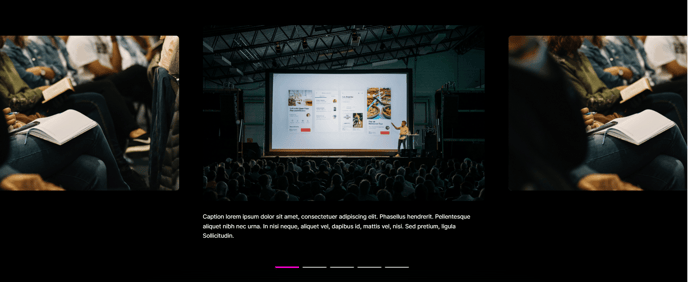
How to Use This Module
The Image Slider module is designed to showcase multiple images with descriptive captions in an engaging, interactive format. This module works particularly well on landing pages, service pages, and case study sections where you need to highlight key visual content without overwhelming the page layout.
When adding this module through the HubSpot page editor’s drag-and-drop interface, you’ll want to place it in a section configured for full-width content to ensure the slider displays properly across all screen sizes. The module automatically handles responsive behavior, adjusting image dimensions and navigation elements for mobile and tablet viewing.
Best practices for content creation: Keep your image captions concise but descriptive, as they serve both aesthetic and SEO purposes. The heading field should introduce the slider’s purpose or theme. For professional services companies, consider using this module to showcase project results, team photos, or office locations. Event organizers can highlight venue spaces, past event moments, or speaker galleries.
The styling options give you significant control over the visual presentation. Light Mode is particularly effective when the slider sits on darker page backgrounds, while the scanline background style adds a subtle texture that works well with Brightlane’s professional aesthetic. The pagination and arrow color customizations should align with your brand colors, which you can reference from your theme’s global color settings.
Performance tip: While you can add unlimited images, aim for 5-8 slides for optimal loading speed and user engagement. High-resolution images will be automatically optimized by HubSpot’s CDN, but starting with appropriately sized images (1200px wide maximum) ensures faster initial loading times.