
Testimonials Slider
A slider of testimonial quotes.
View a live demo of this module.
Content
- Add a header with an optional star accent [+ only]
- Add as many slides as you want
- Edit strings used in the slider (previous, next, and pagination screen reader text)
Styles
- Set Light Mode
- Add “scanline” background style
- Change the style to a “showcase” slider [+ only]
- Show/hide and change the size and color of the quotation mark accent
- Change colors of slider pagination
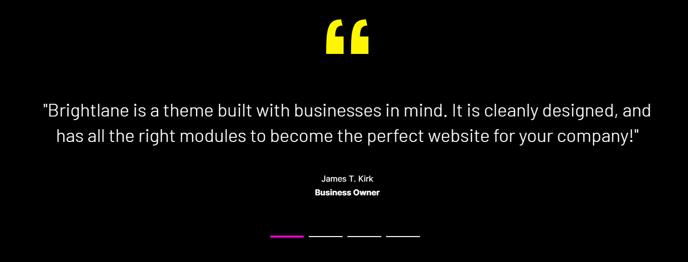
About This Module
The Testimonials Slider is one of Brightlane’s most conversion-focused modules, designed specifically to build trust and credibility on your professional services pages. This drag-and-drop module works exceptionally well on homepage hero sections, service landing pages, and dedicated testimonials pages where social proof can directly influence visitor decisions.
When you add this module through the HubSpot page editor, you’ll find it particularly effective for B2B companies and professional services firms who need to showcase client feedback in a visually compelling format. The slider automatically handles responsive design, ensuring your testimonials display perfectly across desktop, tablet, and mobile devices.
Best placement strategies include positioning the module immediately after your value proposition or service descriptions, where prospects are evaluating whether to engage further. The module integrates seamlessly with Brightlane’s overall design system, maintaining visual consistency with your other page elements.
You can customize the testimonial content directly within the page editor without needing to access theme settings or custom code. Each slide supports rich text formatting, allowing you to include client names, company affiliations, and even photo headshots if your testimonials include profile images through other modules.
The accessibility features built into this module ensure screen readers can properly navigate through testimonials, making your site more inclusive. The customizable screen reader text options let you tailor the experience for users with assistive technologies.
For maximum impact, consider alternating this module with other Brightlane components like the CTA Banner or Feature Grid to create a persuasive page flow that guides visitors toward conversion actions while building confidence through social proof.