
Call to Action Box
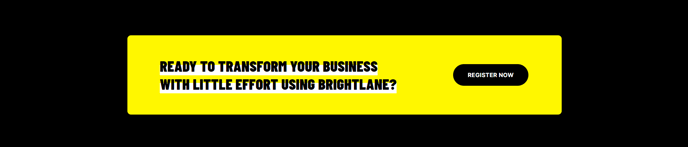
A call to action with text and button.
View a live demo of this section.
Modules
How to Use This Section
The Call to Action Box section provides a focused, conversion-optimized element that you can strategically place throughout your HubSpot pages to drive specific user actions. This section works particularly well for professional services firms and B2B companies that need to capture leads or direct visitors to key resources without overwhelming the page design.
When building pages in the HubSpot page editor, you can drag this section onto any page template where you want to create a clear conversion moment. The section’s clean design ensures it stands out without disrupting your page flow, making it ideal for placement between content blocks, at the end of blog posts, or as a prominent feature on landing pages.
The Call to Action Box excels in scenarios where you need more visual impact than a simple text link but want to maintain the focused messaging that drives conversions. Unlike full-width hero sections that might feel overwhelming, this boxed format creates contained urgency while fitting naturally into your content hierarchy.
In the page editor, you can easily customize the text messaging and button copy to match your specific campaign goals. The section’s responsive design automatically adapts to mobile devices, ensuring your call-to-action remains effective across all screen sizes. This is particularly important for B2B audiences who frequently browse on mobile during research phases.
Consider using this section to promote webinar registrations, consultation bookings, resource downloads, or demo requests. The contained design works exceptionally well when you want to test different messaging approaches, as you can quickly duplicate pages and modify the call-to-action text to run A/B tests through HubSpot’s built-in testing tools.