
FAQ
Collapsible text for frequently asked questions.
View a live demo of this section.
Modules
How to Use This Section
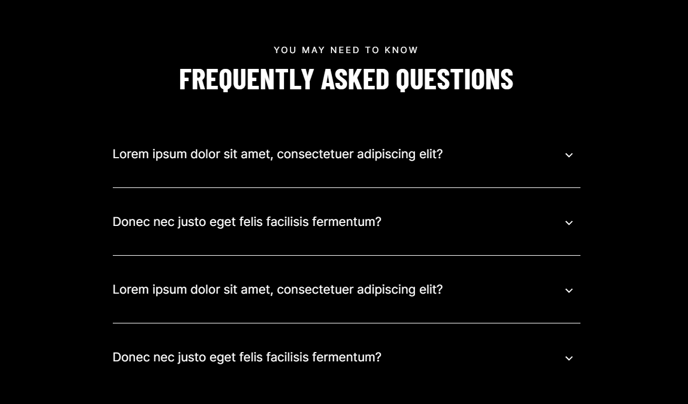
The FAQ section provides a clean, space-efficient way to organize frequently asked questions on your HubSpot pages using an accordion-style layout. When visitors click on a question, the answer expands smoothly below it, keeping your page organized while making information easily accessible.
You can add this section to any page in your Brightlane theme through the page editor’s drag-and-drop interface. Simply select the FAQ section from the available sections and position it where you want it to appear on your page. The section works particularly well on service pages, product landing pages, support pages, and after contact forms where prospects might have common questions.
Customization and Content Management
Once added, you can customize each FAQ item directly in the HubSpot page editor. Click on the section to access the collapsible text module settings, where you can edit question headlines and corresponding answers. The module supports rich text formatting in answers, so you can include links, bullet points, and bold text to make responses more engaging and informative.
The section’s design automatically inherits your theme’s typography and color scheme, ensuring visual consistency across your site. You can add as many FAQ items as needed, though we recommend grouping related questions and keeping answers concise for better user experience.
Best Practices
Consider placing your most important or frequently searched questions at the top of the section. You can easily reorder FAQ items by dragging them within the module settings. This section also works well when combined with other Brightlane sections like contact forms or call-to-action blocks to create comprehensive landing pages that address visitor concerns and drive conversions.