
Featured Items - Horizontal [+ only]
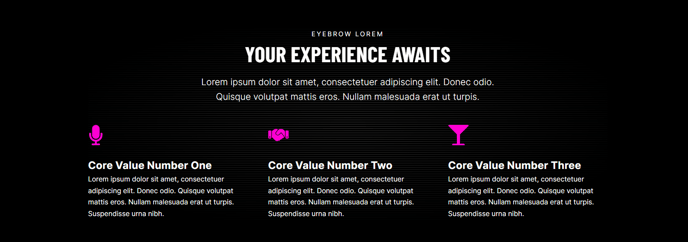
A list of items with icon, heading, and text arranged in a horizontal row.
View a live demo of this section.
Modules
Usage Guide
The Featured Items - Horizontal section is designed to showcase three key benefits, services, or features in a clean, scannable row format. This layout works particularly well for highlighting your company’s core value propositions or service offerings above the fold on landing pages and your homepage.
When to choose this section: Use the horizontal layout when you want to create visual balance across your page width and emphasize equal importance between items. This format is ideal for services pages where you need to present multiple offerings side-by-side, or on landing pages where you want to quickly communicate key benefits to visitors before they scroll.
Page editor customization: Once you’ve added this section through the drag-and-drop page editor, you can customize each featured item’s icon, headline, and descriptive text directly in the content editor. The section automatically maintains consistent spacing and alignment, ensuring your content looks professional regardless of text length variations.
Design considerations: This horizontal arrangement works best with concise, parallel content structures—aim for similar headline lengths and keep descriptions to 2-3 lines for optimal visual balance. The icon selection should maintain thematic consistency across all three items to create a cohesive brand experience.
Performance tip: This section loads efficiently and works well near the top of pages where you want to immediately establish credibility with prospects. Consider pairing it with a hero section above and testimonials or case studies below to create a compelling conversion funnel on your most important pages.