
Simple Text
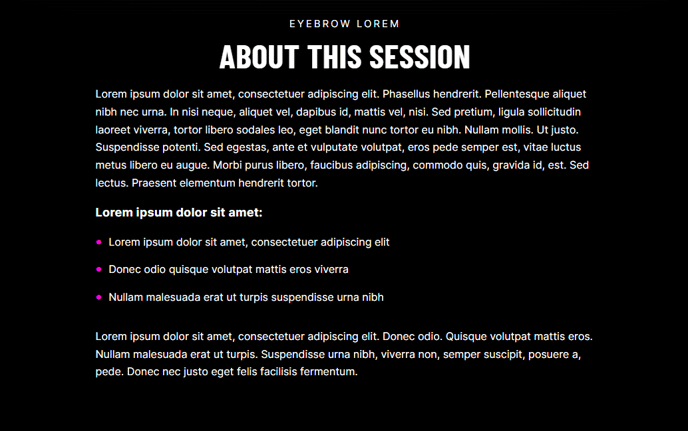
Simple one column of text.
View a live demo of this section.
Modules
How to Use This Section
The Simple Text section provides a clean, distraction-free way to present important content on your HubSpot pages. This single-column layout is ideal when you need visitors to focus entirely on your message without competing visual elements.
When to choose Simple Text over other sections: Use this section for detailed explanations, company policies, terms of service, or any content where readability is paramount. It’s particularly effective on service pages where you need to build trust through detailed descriptions, or on landing pages where you want to elaborate on your value proposition without visual distractions.
To add this section to any page in your Brightlane theme, navigate to the HubSpot page editor and click the “Add section” button. You’ll find Simple Text under the available section options, and it will automatically include the pre-configured Theme Rich Text module.
Customization options: While the section maintains a consistent single-column structure, you can fully customize the text content using HubSpot’s rich text editor. This includes formatting options like headings, bullet points, links, and text styling that align with your Brightlane theme’s typography system.
Best practices for content editors: Consider using this section strategically within your page flow. It works exceptionally well after hero sections to provide detailed context, or before contact forms to address common questions. The clean layout ensures your content remains scannable even with longer text blocks.
For B2B companies using the Brightlane theme, this section is particularly valuable for case study details, methodology explanations, or process descriptions where clarity and professionalism are essential.