
Simple Text With Image
Simple one column of text with an image.
View a live demo of this section.
Modules
Usage Guide
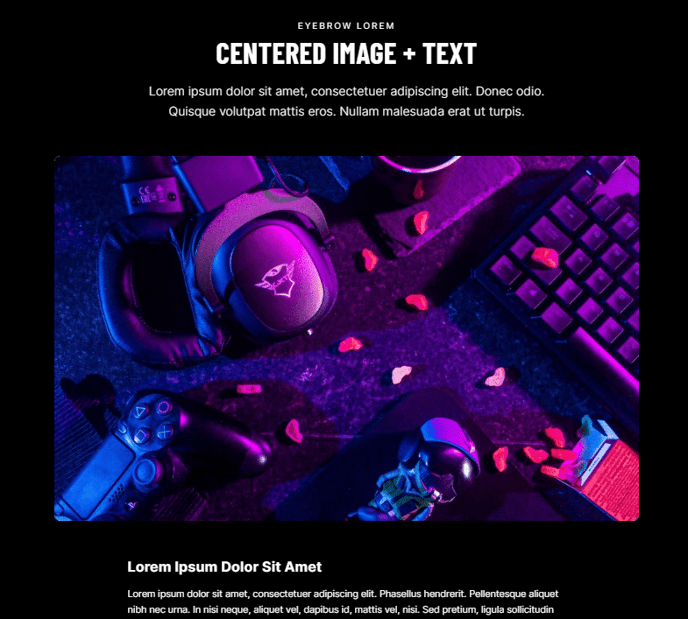
The Simple Text With Image section provides a clean, minimalist layout that’s perfect for storytelling moments on your professional services or B2B website. This section arranges content in a single column format, allowing you to pair meaningful text with a supporting visual element without overwhelming your visitors.
You can access this section through HubSpot’s page editor by clicking the ”+” icon and selecting it from the Brightlane sections library. The drag-and-drop interface makes it easy to position this section anywhere on your page, whether you’re building a service page, about us section, or case study narrative.
When to choose this section: Use Simple Text With Image when you need to break up dense content areas or create visual interest without complex layouts. It’s particularly effective for founder stories, company milestones, or explaining core service offerings. The single-column design ensures your message remains focused and digestible.
The Theme Rich Text module gives you full formatting control, including headings, bullet points, and links, while maintaining Brightlane’s typography standards. You can adjust text alignment and spacing through the module settings to achieve your desired visual balance.
For the Theme Image module, you’ll want to upload high-quality visuals that complement your text content. The module includes responsive settings that automatically optimize your image for mobile devices. Consider using professional photography, custom graphics, or branded illustrations that reinforce your message.
Pro tip: This section works exceptionally well when alternated with other content sections to create visual rhythm throughout longer pages. The clean design also makes it an excellent choice for landing pages where you want to maintain focus on your conversion goals.