
Timeline
An animated list of events.
View a live demo of this section.
Modules
How to Use the Timeline Section
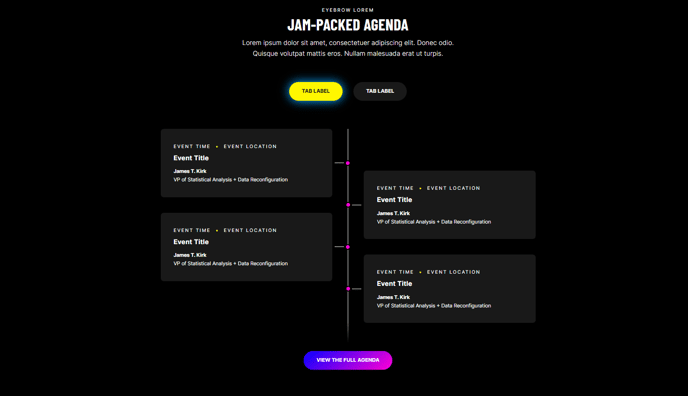
The Timeline section provides a visually compelling way to showcase your company’s history, project milestones, or event sequences on your HubSpot pages. This animated section works particularly well for professional services firms displaying their growth journey, B2B companies highlighting product development phases, or event organizers outlining conference schedules.
When you add this section to any page through the HubSpot page editor, you’ll get a pre-configured layout that automatically handles the visual styling and animations. The timeline displays events in chronological order with connecting lines and interactive elements that engage visitors as they scroll through your content.
Best placement practices: Position the timeline section on your About page to tell your company story, on service pages to show your process phases, or on landing pages where you want to build credibility through your track record. The section works especially well in the middle or lower portions of pages after you’ve introduced the main topic.
To customize the timeline content, simply click into the Timeline module within the section and use HubSpot’s drag-and-drop interface to add, remove, or reorder timeline entries. You can include dates, headlines, descriptions, and even images for each milestone. The Brightlane theme automatically applies consistent spacing and typography that matches your overall site design.
Pro tip: Keep your timeline entries concise but descriptive. Aim for 3-7 major milestones to maintain visual balance and prevent overwhelming visitors. The animated reveal effects work best when there’s enough content to create a natural scrolling rhythm, but not so much that the page becomes cluttered.
This section is fully responsive and will adapt beautifully to mobile devices, ensuring your timeline story reaches visitors across all platforms.