
Two Column - Text Only
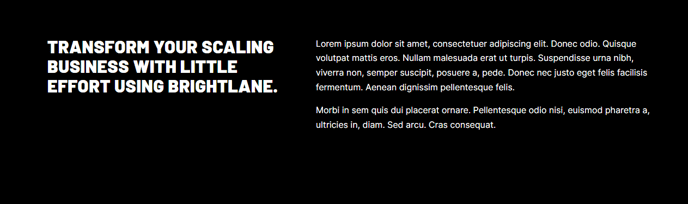
Simple two columns of text.
View a live demo of this section.
Modules
Usage Guide
The Two Column - Text Only section provides a clean, balanced layout for presenting written content side-by-side on your HubSpot pages. This section is particularly effective when you need to compare information, present before-and-after scenarios, or break up lengthy content into digestible chunks without visual distractions.
You can add this section to any page through the HubSpot page editor by dragging it from the sections panel onto your page canvas. Once placed, the section automatically creates two equal-width columns, each containing a Theme Rich Text module that gives you full content editing capabilities including headings, paragraphs, lists, and inline formatting.
When to use this section: Choose the Two Column - Text Only layout when you want to maintain focus on your written content without competing visual elements. It works exceptionally well for service comparisons, feature explanations, testimonial pairs, or FAQ sections where you need parallel content presentation. Professional services companies often use this section to outline their methodology alongside client benefits, while B2B companies leverage it for product feature breakdowns.
The responsive design ensures your two-column layout adapts gracefully to mobile devices, automatically stacking the columns vertically for optimal readability on smaller screens. You can customize the spacing and typography through the theme’s global settings, maintaining consistency with your brand while leveraging the section’s clean aesthetic.
For maximum effectiveness, keep your content balanced between both columns and use similar formatting styles. Consider using this section when you have 200-400 words of content that naturally divides into two related topics or perspectives.