
Blog Featured Posts Hero
Flexible blog listing hero to display a featured post, title and description from the blog settings, or custom content.
Notes: This module is only available for use on Blog Listing templates.
**
View a live demo of this module.**
Content
- Choice to display: Featured Post
- Pull featured post based on the selection:
- Pull from most recent, most popular, a specific tag, or manual select
- Pull from existing blog
- Option to hide tags summary, author, date, or customizable button
- Pull featured post based on the selection:
- or, Blog Info
- Pull from Blog header and Meta description from the blog settings. Blog settings can be updated via Marketing > Website > Blog
- or, Custom
- Custom rich text
Styles
- Can be set to Dark Mode
- Custom max width of content
- Custom background image
- Note: Empty this field to have the featured post pulling from its own featured image
- Custom background overlay (put transparent color over the background image to help with readability)
- Edit padding
- Max character count for featured post summary
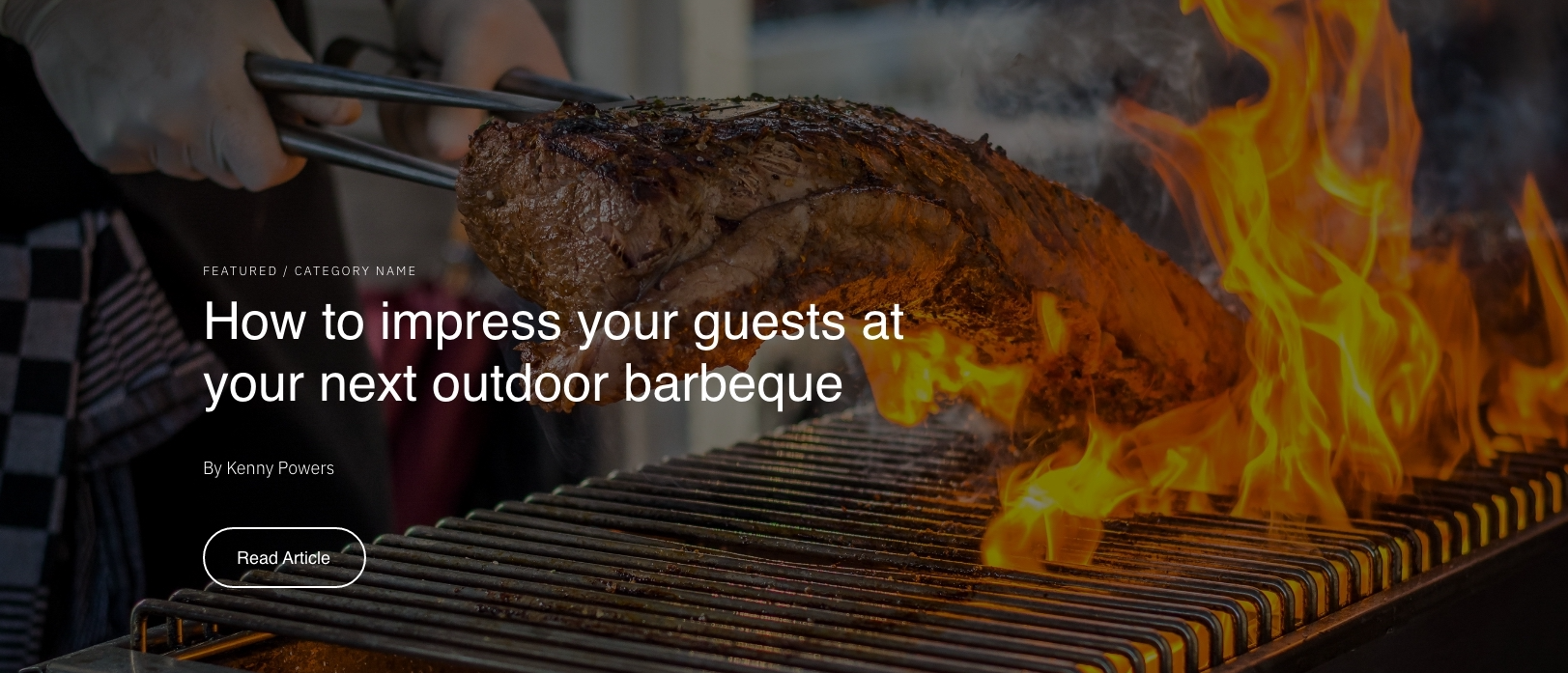
Usage Guide
The Blog Featured Posts Hero module serves as an eye-catching header section that transforms your blog listing page into a dynamic showcase for your restaurant or local business content. This module works exclusively on Blog Listing templates and appears at the top of your blog index page, creating an immediate visual impact for visitors exploring your content.
When dragging this module into your page editor, you’ll find it most effective as the first element on your blog listing template, positioned above your standard blog post grid. The module’s three content modes give you complete flexibility: Featured Post mode automatically highlights your most engaging content, Blog Info mode creates a branded introduction using your existing blog settings, and Custom mode lets you craft a unique message that aligns with your restaurant’s voice.
Pro tip: If you’re using Featured Post mode, consider setting your featured image dimensions consistently across blog posts to maintain visual cohesion. The module will automatically pull the featured image as the background unless you override it with a custom background image in the styles panel.
For restaurants using the Bussin theme, this module works particularly well when showcasing seasonal menu updates, chef spotlights, or community events. The dark mode styling option ensures your text remains readable over busy food photography, while the background overlay control lets you fine-tune contrast without editing your original images.
Remember that changes to your blog’s header and meta description in Marketing > Website > Blog will automatically update the Blog Info display mode, making it easy to keep your blog introduction fresh without editing individual pages.