
Blog Listing
Filterable and searchable listing of blog posts.
Notes:
- In Settings > Website > Blog > Templates, set the Number of posts per listing page to 100000000 to ensure the infinite loading works.
- This module is only available for use on Blog Listing templates.
**
View a live demo of this module.**
Content
- Choose the number of posts to show on the initial load
- Edit the tag list to be a dropdown, set a label, use a pick list of tags
- Possibility to condense tag filter into a dropdown. Recommended if more than three filters are desired
- Edit strings used in the listing (Load More, View All, Search Label, etc.)
Styles
- Edit Load More button color
- Edit aspect ratio of thumbnails
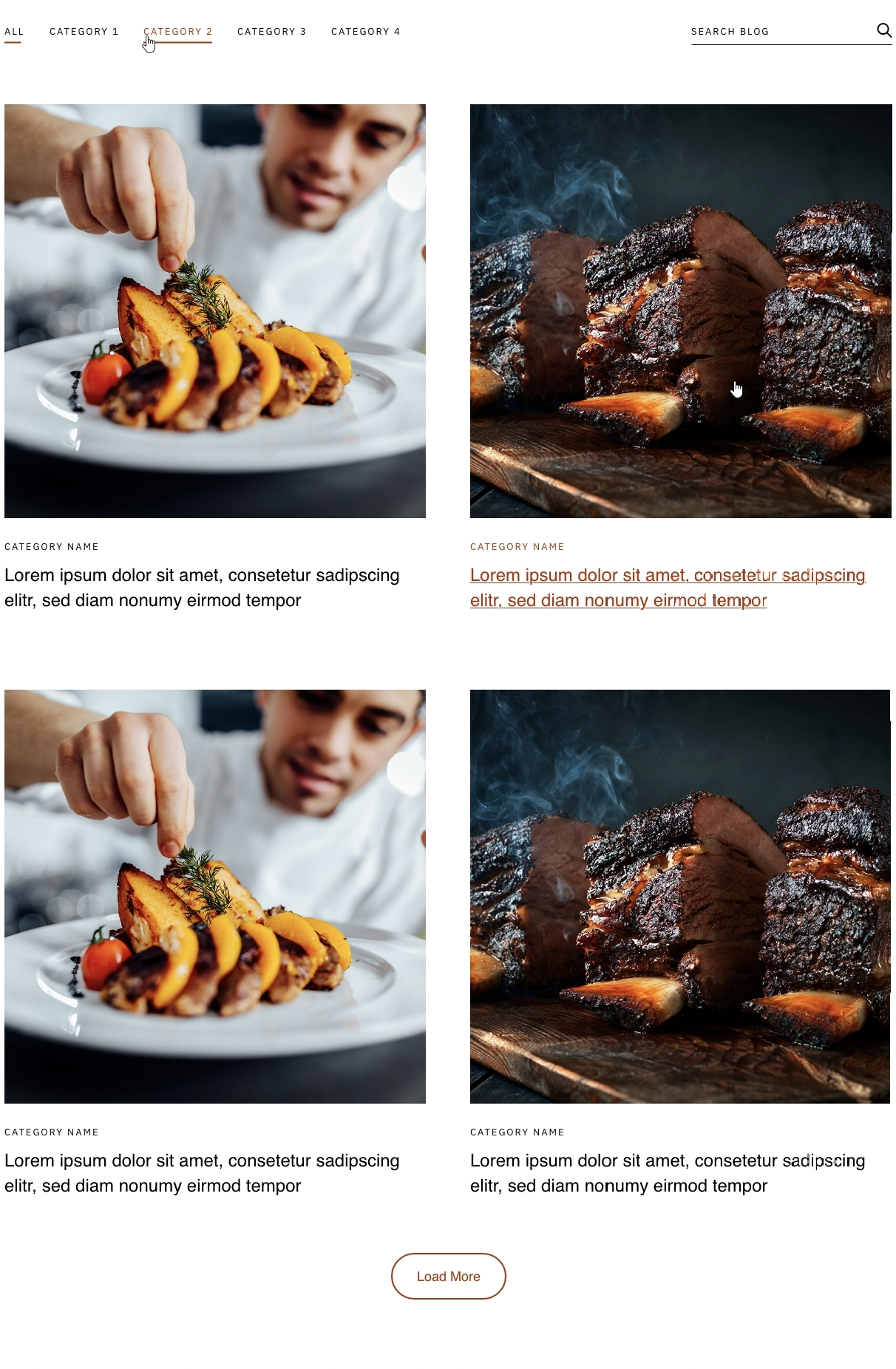
Overview
The Blog Listing module serves as the cornerstone of your Bussin theme’s blog experience, transforming your HubSpot blog into an interactive, user-friendly content hub. This specialized module is designed exclusively for Blog Listing templates and replaces the standard HubSpot blog layout with enhanced filtering and search capabilities that align with the theme’s vibrant aesthetic.
When you add this module to your blog listing page through the HubSpot page editor, it automatically pulls in your published blog posts and presents them with the Bussin theme’s playful design elements. The module’s infinite scroll functionality creates a seamless browsing experience, allowing visitors to discover more content without the frustration of pagination breaks.
Best practices for implementation: Position this module as the primary content area on your blog listing template. The filterable tag system works particularly well for restaurants showcasing different menu categories, seasonal offerings, or local business topics. Consider organizing your blog tags strategically before implementing the module – group related content under clear, descriptive tags that your visitors will find intuitive.
The search functionality becomes especially valuable for businesses with extensive content libraries. Restaurants can benefit from visitors searching for specific ingredients, dietary restrictions, or seasonal content. Local businesses can leverage this for location-specific posts or service-related content.
Configuration tip: The thumbnail aspect ratio setting directly impacts your page’s visual hierarchy. Square thumbnails work well for food photography, while rectangular formats suit landscape images of your business or local community events. Test different ratios to see what best complements your existing brand photography and maintains visual consistency across your site.