
Contact Info
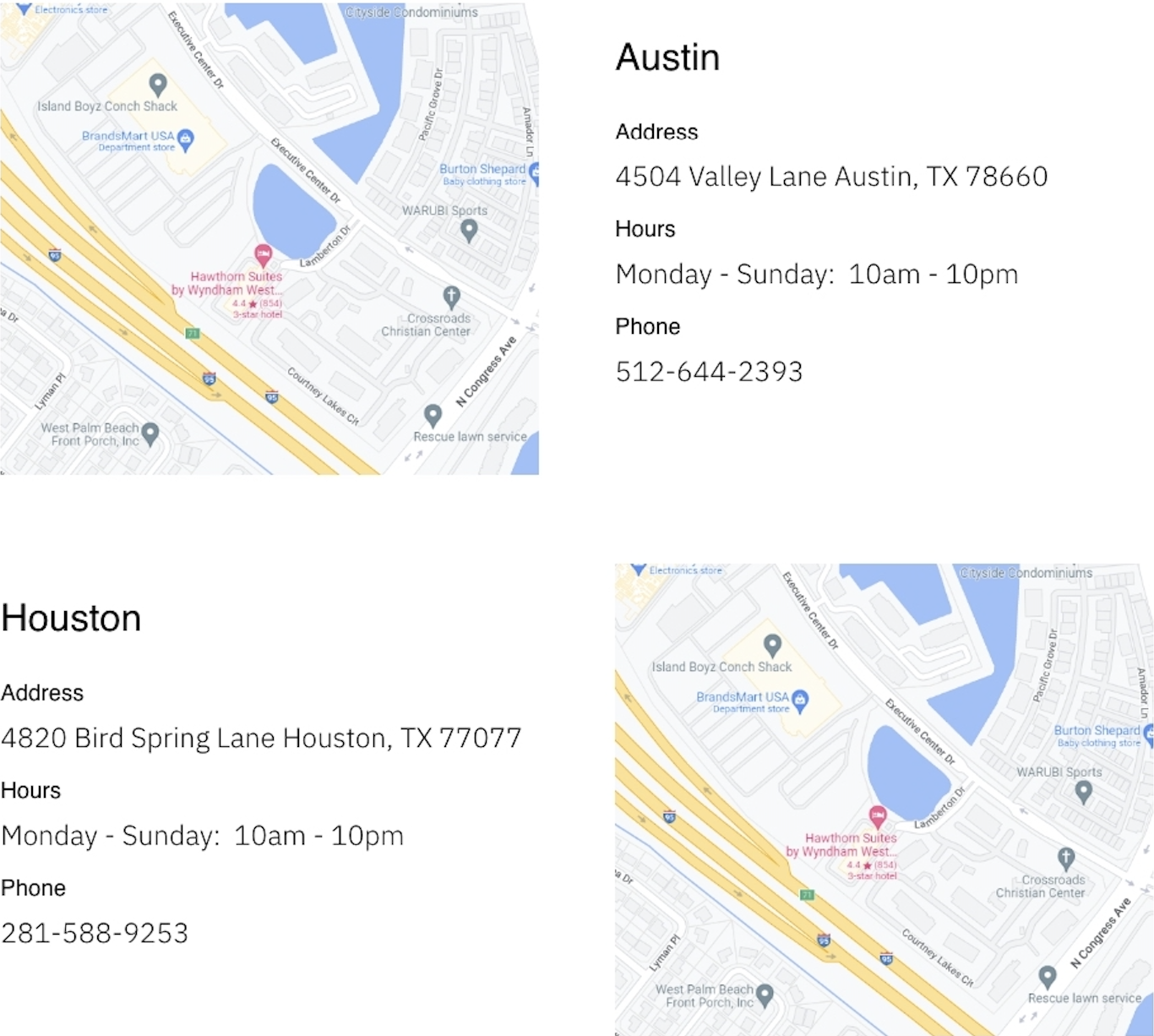
A row of content to display location information, such as a map and contact information.
View a live demo of this module.
Content
- Option to insert Google Maps embed code or static image
- Heading options (eyebrow, heading, heading level, sub-heading)
- Add as many as info lines, which include a label/title and context
- Change the vertical alignment
- Change the placement on both desktop and mobile
Styles
- Can be set to Dark Mode
- Change the text alignment for both heading and text
- Change the bullet list styles
Usage Guide
The Contact Info module is designed to help restaurant and local business owners create compelling location pages that convert visitors into customers. This module works particularly well on your main location pages, contact pages, or any service area pages where you need to showcase your physical presence.
When building your location content in the HubSpot page editor, you can drag this module onto any page template within the Bussin theme. The dual-column layout automatically adapts to display your map alongside key business details, creating a professional presentation that builds trust with potential customers.
Best practices for the info lines feature: Structure your contact details strategically by prioritizing the most important information first. Consider adding info lines for your phone number, address, business hours, parking instructions, or special accessibility features. Each info line’s label acts as a visual anchor, making it easy for visitors to scan and find exactly what they need.
The vertical alignment options become particularly useful when you’re working with Google Maps embeds of varying heights. You can ensure your contact information stays visually balanced whether you’re showcasing a standard map view or a more detailed satellite image.
For restaurants specifically, take advantage of the Dark Mode styling to match evening ambiance photos or create visual consistency with your brand colors. The bullet list style options help you present information like menu highlights, delivery zones, or special services in an organized, scannable format.
Mobile placement controls are crucial since many customers will access your location information while on-the-go. Test both desktop and mobile layouts in the HubSpot preview to ensure your most critical contact details remain prominently displayed across all devices.