
Events
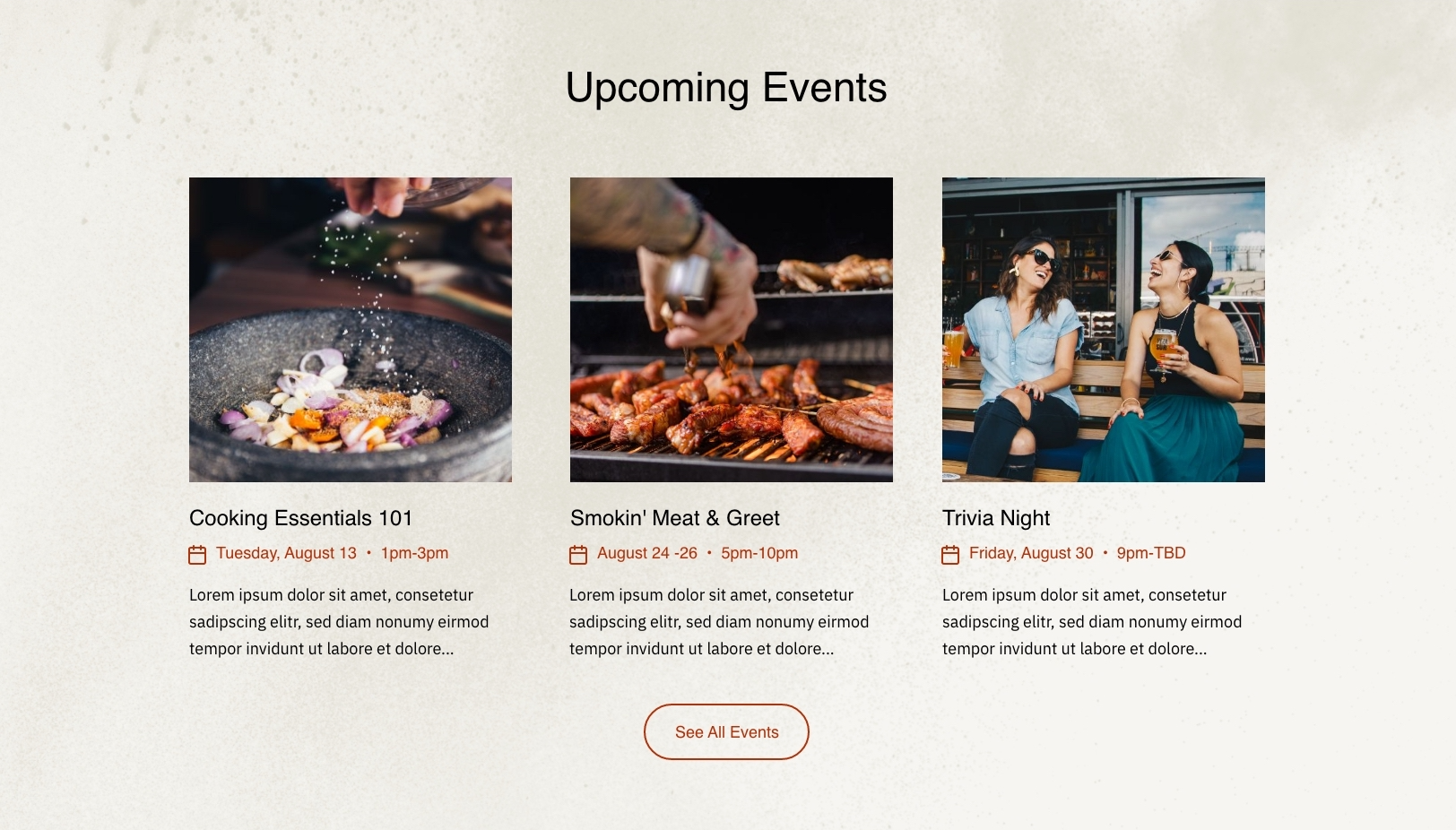
A grid of events with a customizable layout.
View a live demo of this module.
Content
- Heading options (eyebrow, heading, heading level, sub-heading)
- Add as many as events which include event image, title, date & time, description, and link to the event
- Change the placement on both desktop and mobile
Styles
- Can be set to Dark Mode
- Change the number of items per row (1 - 4)
- Edit the heading alignment
- Edit the row alignment and the gutter size
Usage Guide
The Events module is designed specifically for restaurants and local businesses that regularly host special events, seasonal celebrations, or recurring activities. This module works exceptionally well on your homepage to highlight upcoming events, or as the centerpiece of a dedicated events page where customers can browse your full calendar.
When adding the Events module through HubSpot’s page editor, you’ll find it integrates seamlessly with the Bussin theme’s vibrant aesthetic. The playful design elements automatically adapt to match your site’s overall branding, making event promotion feel natural within your existing content flow.
Best practices for optimal performance: Keep event descriptions concise but engaging—aim for 2-3 sentences that capture the excitement and key details. Upload high-quality event images that maintain consistent dimensions for the cleanest grid appearance. The module’s responsive design ensures your events look stunning whether customers are browsing on desktop during lunch planning or mobile while walking by your location.
Consider using the desktop and mobile placement options strategically. For restaurant websites, positioning events prominently on mobile can capture impulse decisions from nearby diners, while desktop layouts work well for detailed event planning. The Dark Mode styling option is particularly effective for evening events or venues with sophisticated atmospheres.
The Events module pairs beautifully with other Bussin modules—try combining it with the Hero module above and a CTA module below to create a complete event landing page experience. Since this is a drag-and-drop module, you can easily duplicate it across multiple pages with different event categories, such as separating weekly specials from special holiday events.