
Frequently Asked Questions (FAQ)
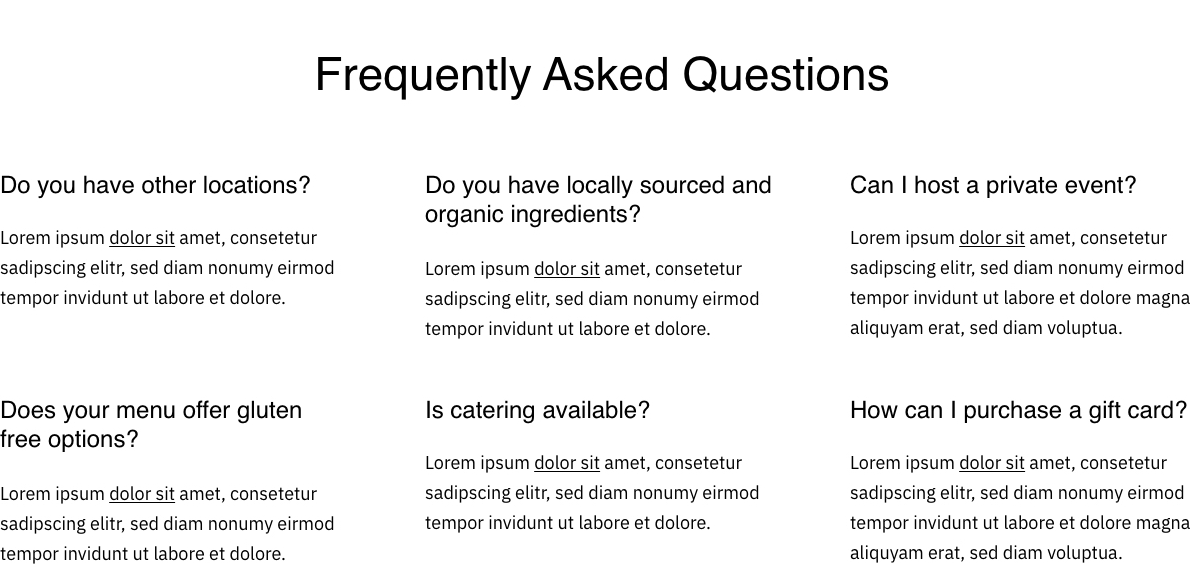
List of questions and answers in a customizable layout.
View a live demo of this module.
Content
- Heading options (eyebrow, heading, heading level, sub-heading)
- Add as many as questions
- Change the placement on both desktop and mobile
Styles
- Can be set to Dark Mode
- Change the number of items per row (1 - 4)
- Edit the heading alignment
- Edit the row alignment and the gutter size
Usage Guide
The FAQ module is designed to help restaurant owners and local businesses address common customer questions while maintaining the Bussin theme’s playful, energetic aesthetic. This module works exceptionally well on service pages, contact pages, and dedicated FAQ sections where you need to provide quick answers without overwhelming visitors.
When adding this module through HubSpot’s page editor, you’ll find it particularly effective for restaurants addressing questions about menu items, dietary restrictions, reservation policies, or delivery areas. Local businesses can use it to explain hours, services, pricing, or location details. The accordion-style layout keeps your page organized while allowing customers to find answers quickly.
Best practices for content editors:
The eyebrow text option works perfectly for categorizing your questions (like “Menu Questions” or “Reservation Info”) while maintaining the theme’s vibrant design language. When adding questions, write them exactly as customers would ask them – this helps with search engine optimization and makes your FAQ feel more conversational.
For optimal mobile experience, test different column layouts across devices using HubSpot’s preview feature. Single-column layouts typically work best on mobile, while 2-3 columns can create an engaging desktop experience for restaurants with extensive FAQ content.
The Dark Mode styling option integrates seamlessly with Bussin’s color palette and works especially well when placed on lighter page sections to create visual contrast. Adjust the gutter spacing based on your question length – wider gutters work better with longer questions, while tighter spacing suits brief, snappy Q&As.
Consider grouping related questions together and using consistent heading levels throughout your site’s FAQ sections to maintain the theme’s cohesive, professional appearance while preserving its energetic personality.