
Hero - Blog Post
Choose what content to show in the hero as well as style options.
View a live demo of this module.
Content
- Show/hide back to listing link, tag(s), read time, date, author, and featured image
- Option to show all tags or first tag available, when tag(s) is selected to show
- Edit strings for Back Link, text after read time, and text before author
Styles
- Can be set to Dark Mode
- Edit padding
- Edit featured image display option to be screen width or contained with the hero content
- Edit text alignment
- Edit bullet list styles
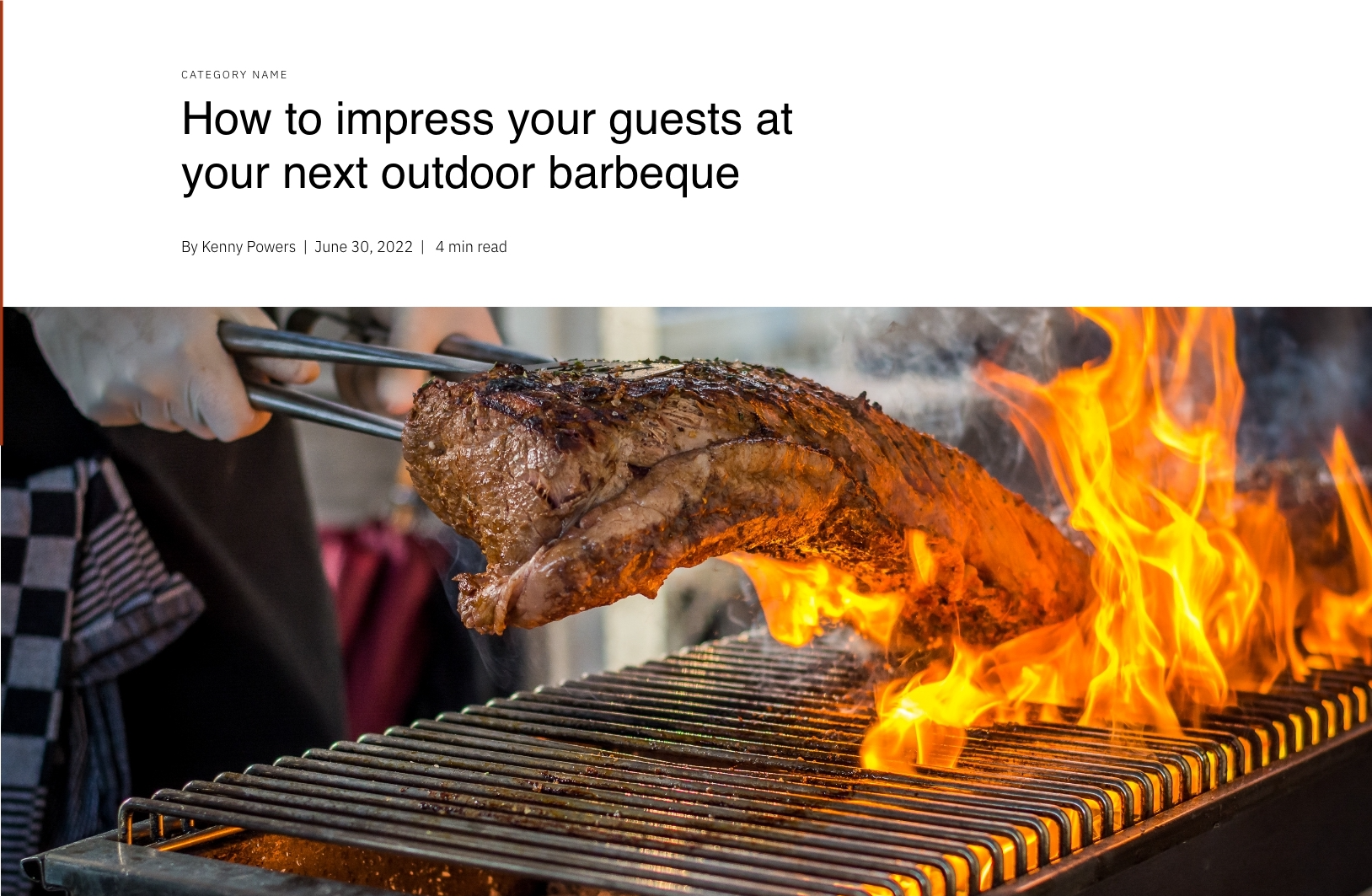
How to Use the Hero - Blog Post Module
The Hero - Blog Post module is specifically designed to create an engaging header section for your individual blog post pages in the Bussin theme. This module automatically pulls key metadata from your blog post content, including the post title, featured image, publication date, and author information, presenting them in a visually appealing hero layout that captures your readers’ attention immediately.
When you’re editing a blog post template in the HubSpot page editor, you’ll typically want to place this module at the top of your page layout to serve as the primary header. The module works seamlessly with HubSpot’s blog system, automatically displaying relevant post information without requiring manual content entry for each blog post.
Best practices for implementation: Position this module directly below your navigation menu for optimal user experience. The featured image display options are particularly powerful—choose the screen width option for dramatic, full-browser impact that works well with high-quality food photography, or select the contained option for a more traditional blog layout that keeps focus on the text content.
The tag display functionality helps with your site’s SEO and user navigation. When you select “show all tags,” readers can see every topic your post covers, while the “first tag only” option creates a cleaner look when posts have multiple categories. The customizable back link text allows you to create branded navigation language that matches your restaurant’s voice, such as “Back to our recipes” instead of generic “Back to blog” text.
For restaurants and local businesses using this theme, consider enabling the read time feature to help busy customers quickly assess whether they have time to read your full post about menu items, events, or cooking tips.