
Image Slider
A multi-slide slider with an image and an offset layout.
View a live demo of this module.
Content
- Include heading
- Change number of slides to show at a time on desktop, laptop, tablet, and mobile
- Edit screen reader text for slider (next button, previous button, pagination, etc)
Styles
- Can be set to Dark Mode
- Change heading alignment
- Set slider type (slide, loop, rewind)
- Edit space between slides
- Change aspect ratio of images
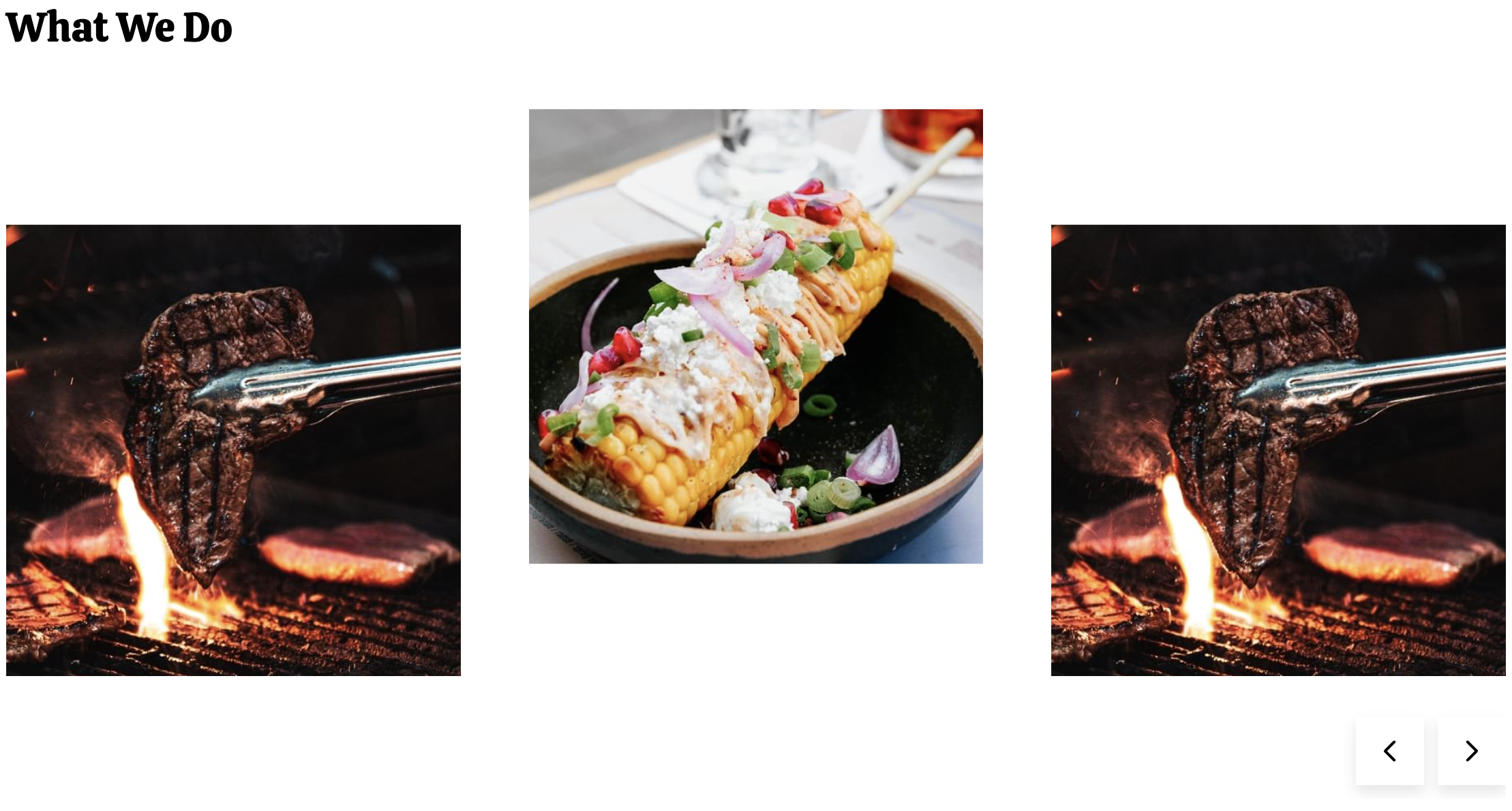
How to Use the Image Slider Module
The Image Slider module is perfect for showcasing multiple menu items, restaurant ambiance photos, or highlighting different aspects of your local business in an engaging, interactive format. This module works particularly well on homepage hero sections, about pages, and dedicated gallery pages where you want visitors to browse through visual content at their own pace.
When adding this module to your HubSpot pages through the drag-and-drop editor, you’ll find it integrates seamlessly with the Bussin theme’s vibrant aesthetic. The offset layout design creates visual interest by positioning content asymmetrically, making your slider stand out from traditional centered layouts commonly found in other themes.
Best practices for content editors: Upload high-quality images that maintain consistency in subject matter and lighting. For restaurants, consider grouping related images—like appetizers, main courses, and desserts—in separate slider instances rather than mixing them randomly. The responsive slide count settings are particularly useful here; you might display 3 slides on desktop to show variety, but switch to 1 slide on mobile for better readability.
The Dark Mode styling option is especially effective when placed over light-colored page backgrounds, creating strong contrast that draws attention to your slider content. When selecting your slider type, choose “loop” for continuous browsing experiences or “rewind” when you want users to intentionally return to the beginning.
Pay special attention to the screen reader text settings—these accessibility features ensure your slider is usable by all visitors and can positively impact your site’s search engine rankings. Customize these labels to match your content, such as changing “Next slide” to “Next menu item” for restaurant applications.