
Related Blog Posts
Dynamically generated posts related to the content of the current page.
Note: The section this module is added to should have its Content Alignment set to Full width. This entire section will stick to the top of the page as the user scrolls down.
View a live demo of this module.
Content
- Include full heading and heading options
- By default, it will pull resources from the portal’s default blog, but you can choose any blog in your portal to pull from
- Choose to show most recent posts, post with certain tags, and/or posts within a certain date range
- Choose how many posts to show
- Show/Hide thumbnail, tag, date, and/or summary
- Choose where you want the summary to be pulled from and the max character length of the summary
Styles
- Edit Dark Mode, alignment, and bottom border for heading
- Change heading alignment
- Edit heading bottom border
- Edit background, aspect ratio, dark mode, text alignment, border and box shadow for resource items
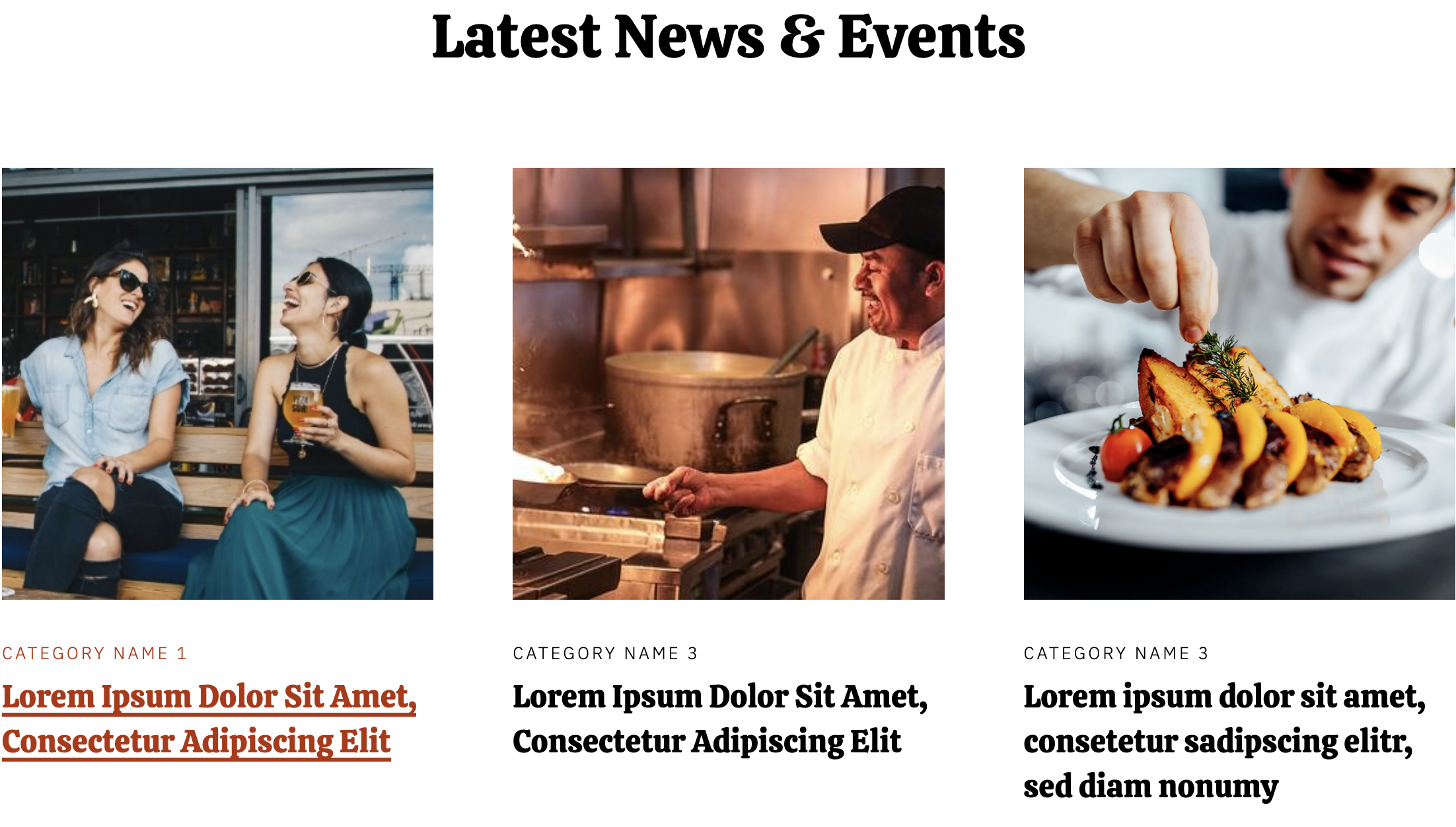
How to Use This Module
The Related Blog Posts module is designed to keep visitors engaged on your restaurant or local business website by surfacing relevant content that connects to what they’re currently reading. This module works particularly well on blog post templates and landing pages where you want to encourage deeper exploration of your content.
When adding this module through the HubSpot page editor, you’ll want to place it strategically near the end of your blog posts or on service pages where related content would naturally flow. The module’s sticky behavior means it will follow users as they scroll, making it an excellent tool for capturing attention when readers finish your main content.
Content Strategy Tips: The module’s tag-based filtering is especially powerful for restaurant themes. You can create topic clusters around seasonal menus, cooking techniques, or local events, then use specific tags to ensure the most relevant posts appear together. For example, if you’re writing about summer barbecue tips, you can filter for posts tagged with “grilling,” “summer,” or “outdoor dining.”
Design Considerations: Since the Bussin theme emphasizes vibrant, energetic design, take advantage of the thumbnail display options to showcase appetizing food photography or local business imagery. The aspect ratio settings help maintain visual consistency across different post images, which is crucial for the cohesive look that restaurant websites need.
The module integrates seamlessly with HubSpot’s multi-blog functionality, so if you maintain separate blogs for recipes, restaurant news, and community events, you can configure each Related Posts module to pull from the most appropriate blog source based on the current page’s context.