
Reviews Carousel
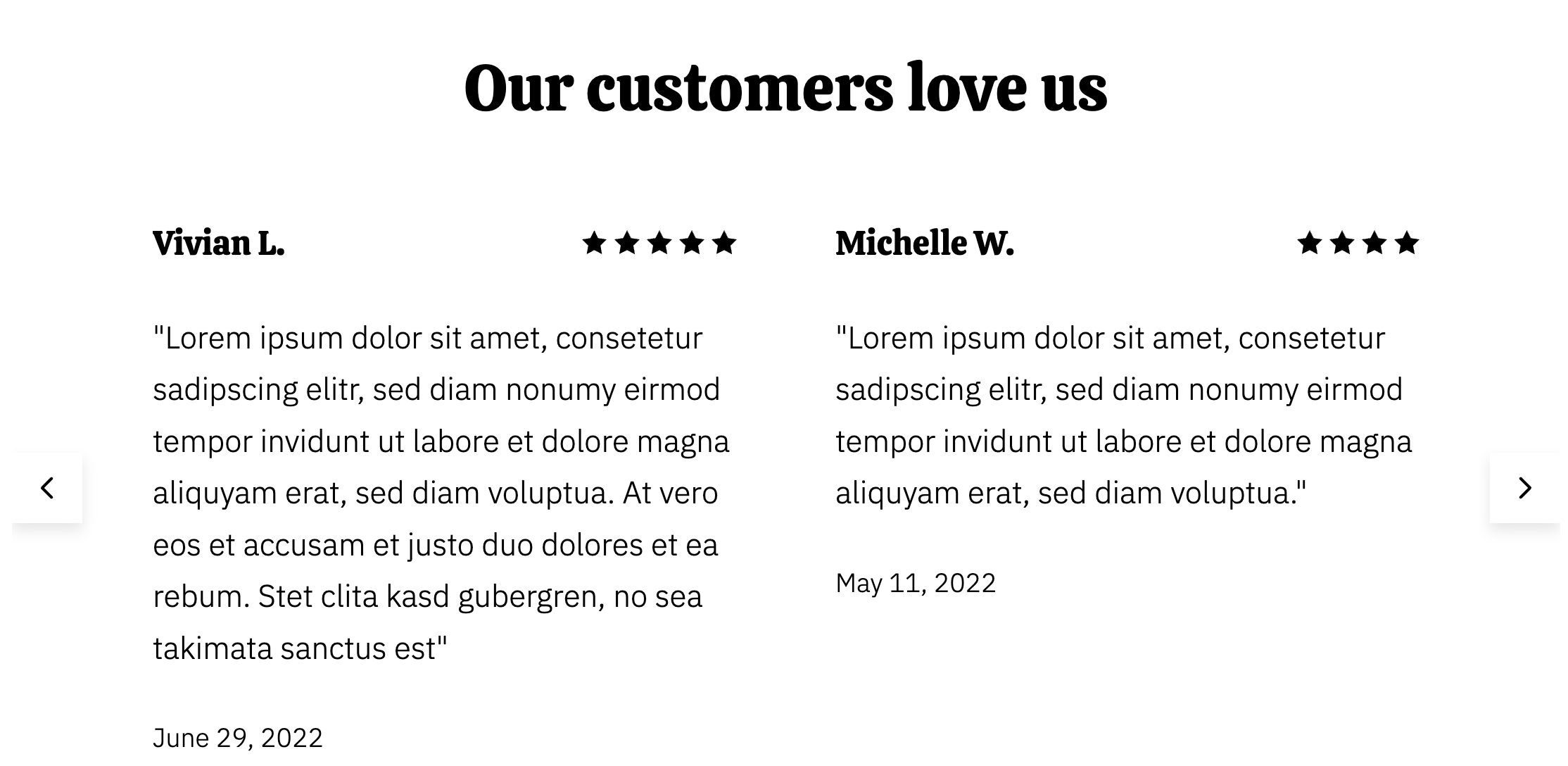
A carousel to display reviews using a star system.
View a live demo of this module.
Content
- Include full heading and heading options
- Add as many reviews, which include quote, name, number of stars, and date/subtext
- Change number of reviews per slide
- Strings for slider controls on screen readers
Styles
- Edit Dark Mode, alignment, and bottom border for heading
- Change heading alignment
- Change text alignment for each review
How to Use This Module
The Reviews Carousel module is perfect for showcasing customer testimonials and social proof on your restaurant or local business website. This module works particularly well on your homepage, about page, or dedicated testimonials page to build trust with potential customers browsing your HubSpot site.
When adding this module through the HubSpot page editor’s drag-and-drop interface, you’ll find it displays beautifully on both desktop and mobile devices. The carousel format allows you to feature multiple reviews without taking up excessive vertical space on your pages, making it ideal for restaurants that want to highlight positive dining experiences or local businesses showcasing customer satisfaction.
Best practices for optimal results: Add at least 4-6 reviews to create an engaging carousel experience, but avoid overcrowding individual slides. The star rating system provides immediate visual impact, so ensure you’re featuring your highest-rated reviews prominently. When entering review content, keep quotes concise but meaningful – aim for 1-2 sentences that capture the essence of the customer experience.
The module integrates seamlessly with the Bussin theme’s vibrant design aesthetic. The dark mode styling option is particularly effective for restaurants wanting to create an upscale, modern atmosphere on their website. Consider alternating between different text alignments across reviews to create visual variety and maintain reader engagement.
For restaurants, this module pairs exceptionally well with menu sections or location information modules. Local service businesses can effectively combine it with service listing modules or contact forms to create conversion-focused page layouts. The accessibility features ensure all visitors can navigate your reviews using screen readers, supporting your site’s inclusive design goals.