
Tabbed Content
Tabular content that can contain text, calls to action, an image, and/or a form.
View a live demo of this module.
Content
- Include a heading
- Change orientation of navigation (horizontal or vertical)
- Add rows and columns to your tab content
- Change vertical alignment of rows
- Change max width of rows
- Change width of columns
Modules
- Can be set to Dark Mode
- Change heading alignment
- Customize form styling
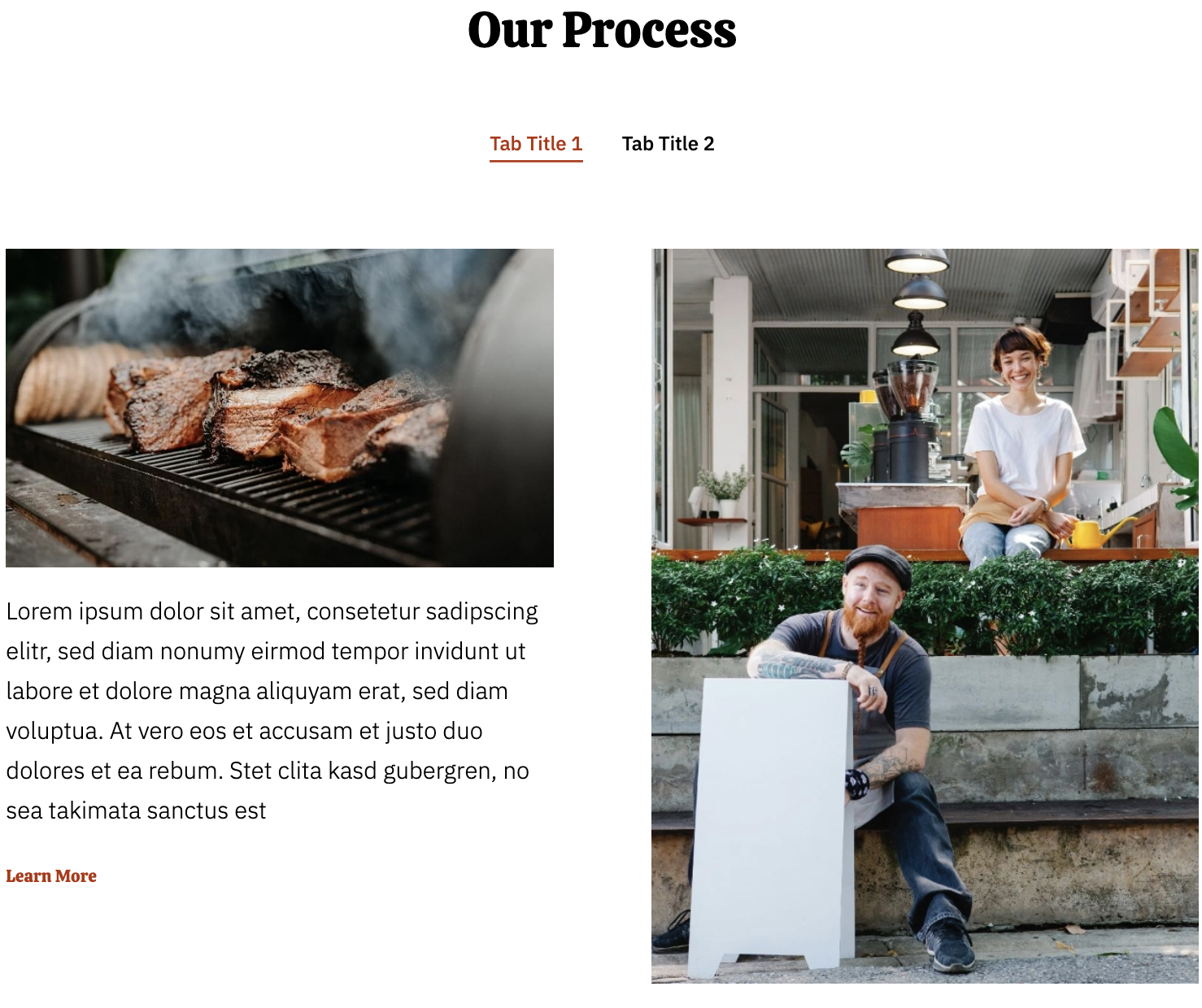
How to Use This Module
The Tabbed Content module is perfect for organizing large amounts of information in a compact, user-friendly format on your restaurant or business website. This module works exceptionally well on service pages, menu sections, FAQ pages, and location pages where you need to present multiple categories of content without overwhelming visitors.
When building pages in the HubSpot page editor, drag this module onto any page template to create an interactive tabbed interface. The module is particularly effective on About Us pages where you can separate company history, team information, and values into distinct tabs, or on service pages where different offerings can be clearly segmented.
Content Strategy Tips: Structure your tabs logically with the most important information in the first tab, as this will be visible by default. Each tab can accommodate rich content including images, forms, and call-to-action buttons, making it versatile for lead generation campaigns. For restaurants using the Bussin theme, consider organizing tabs by meal types (breakfast, lunch, dinner) or service categories (dine-in, takeout, catering).
The Dark Mode setting integrates seamlessly with the Bussin theme’s vibrant aesthetic, allowing you to match your brand colors and create visual hierarchy on your pages. When using vertical tab orientation, the module works particularly well on wider page layouts and desktop viewing, while horizontal tabs are more mobile-friendly.
Performance Considerations: Since tabbed content initially hides some information, ensure your most important keywords and content appear in the default visible tab for SEO purposes. The module loads efficiently and doesn’t impact page speed, making it an excellent choice for content-heavy pages that need to maintain fast loading times.