
Text and Image Columns
Quickly create two columns with text and an image.
View a live demo of this module.
Content
- Change vertical alignment
- Change image placement on both desktop (right or left) and mobile (bottom or top)
Styles
- Add animation to image
- Can be set to dark mode
- Change text alignment
- Customize list styling
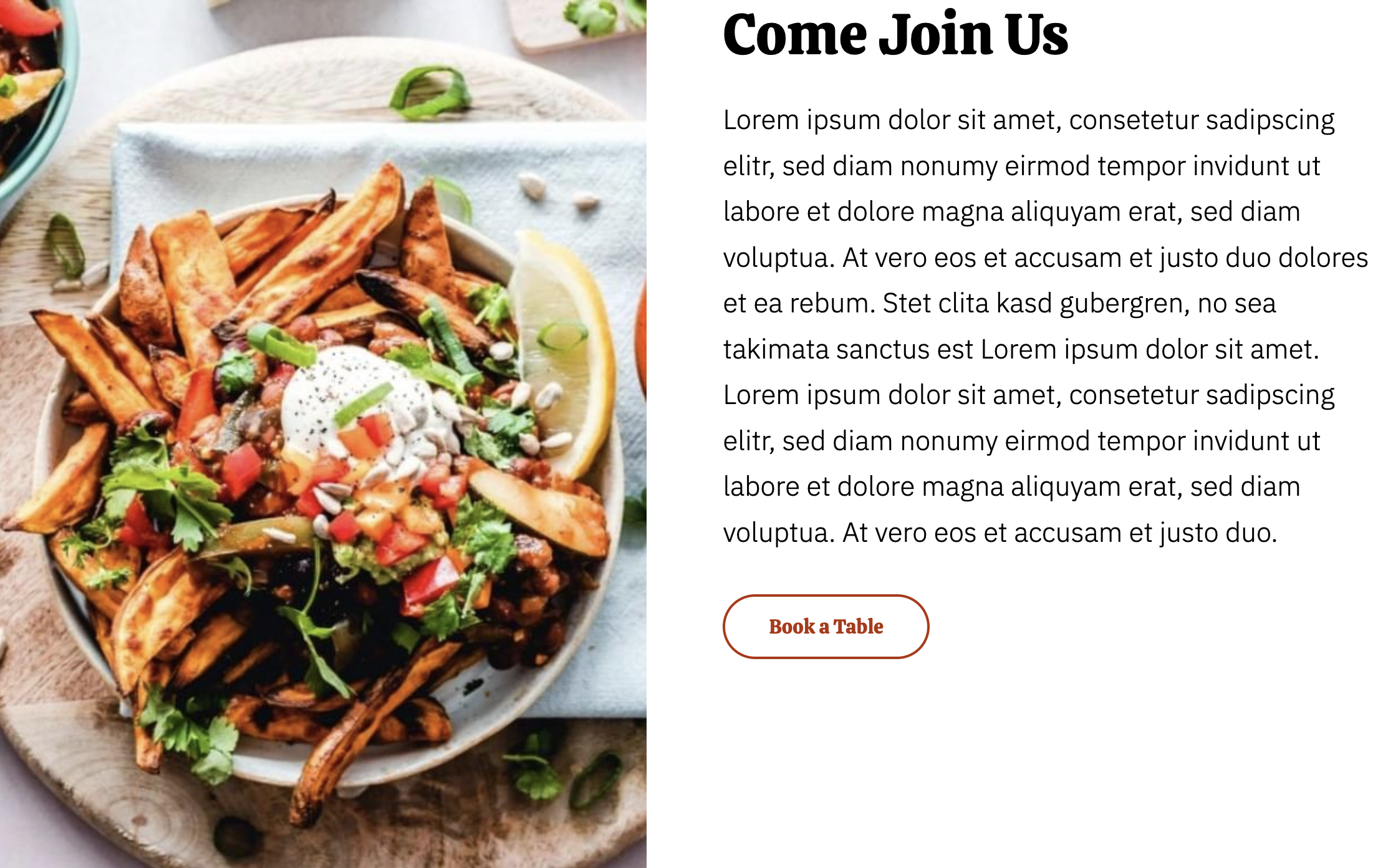
How to Use This Module
The Text and Image Columns module is perfect for creating balanced, professional layouts that combine compelling visuals with descriptive content. You’ll find this module particularly effective on service pages, about sections, team introductions, and menu highlights where you need to showcase both imagery and detailed information side-by-side.
To add this module to your page, simply drag it from the module library in the HubSpot page editor onto your desired section. The module automatically adapts to the Bussin theme’s vibrant aesthetic while maintaining excellent readability across all devices.
Best practices for content optimization: When uploading images, use high-quality photos that reflect your restaurant or business personality. The module supports various image formats and automatically optimizes them for web performance. For text content, keep paragraphs concise but informative – the two-column layout works best when neither element overwhelms the other.
The responsive design ensures your content looks great whether customers view it on desktop, tablet, or mobile devices. On smaller screens, you can control whether images appear above or below text content, giving you flexibility to maintain the most logical content flow for your audience.
Integration with theme features: This module seamlessly integrates with the Bussin theme’s dark mode capabilities, making it ideal for creating dramatic food photography presentations or atmospheric business showcases. The animation options add subtle movement that draws attention without being distracting – perfect for highlighting signature dishes or key services.
Consider using multiple instances of this module on longer pages to create rhythm and visual interest, alternating image placement to avoid monotonous layouts that might lose visitor engagement.