
Theme Form
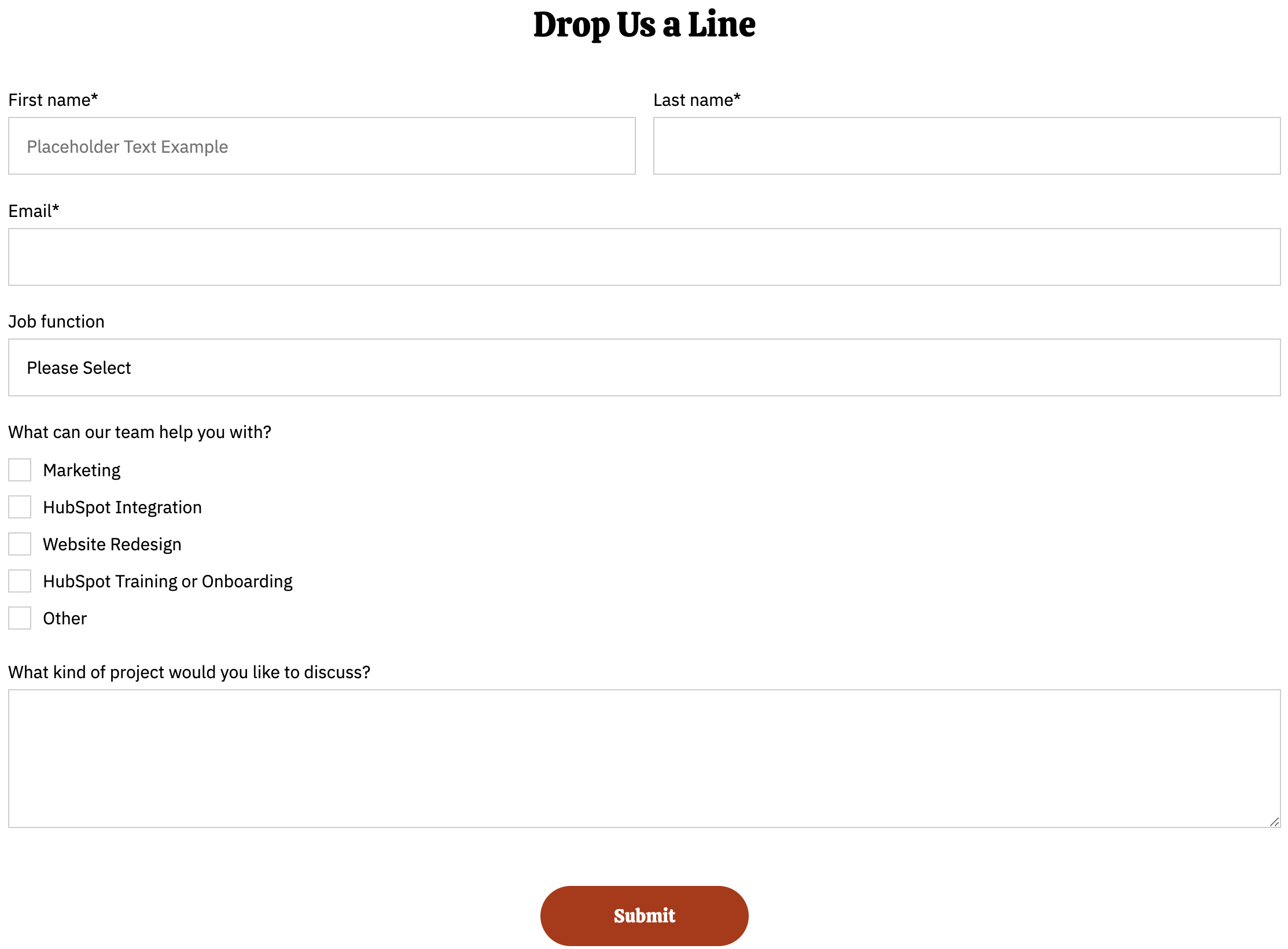
A form module with extra options not available in HubSpot's default module.
View a live demo of this module.
Styles
- Can be set to Dark Mode
- Change heading alignment
- Change labels position (left, top, inset)
- Change button position (left, center, right, full width, single field) and color
- Box in the form (edit background, border, box-shadow, and padding)
How to Use the Theme Form Module
The Theme Form module gives you enhanced control over form presentation that goes beyond HubSpot’s standard form module. This makes it particularly valuable for the Bussin theme’s restaurant and local business focus, where forms need to match your brand’s energetic personality while converting visitors effectively.
You’ll find this module most useful on contact pages, reservation request pages, and landing pages where form conversion is critical. Unlike HubSpot’s default form module, the Theme Form lets you create visually cohesive experiences that don’t break your page’s design flow.
When to Choose This Module
Use the Theme Form when you need your forms to integrate seamlessly with Bussin’s vibrant design aesthetic. The Dark Mode option works especially well on pages with dark hero sections or evening restaurant photography. The inset label positioning creates a modern, app-like feel that resonates with younger demographics.
For restaurants, try the single field button position on newsletter signups or reservation forms – it creates an inline appearance that feels less intimidating than traditional stacked forms. The box styling options let you add subtle shadows and borders that make forms feel more premium, which is crucial for high-value inquiries.
Setup Tips
After dragging the module into your page editor, connect it to your HubSpot form first, then customize the styling. The full-width button option works particularly well on mobile devices and creates strong call-to-action moments. When using the boxed styling, consider your page’s existing color scheme – the background and border options should complement, not compete with, surrounding content.
Test different label positions based on your form length. Top-aligned labels work better for longer forms, while inset labels shine on shorter contact forms.