
Copy With Background
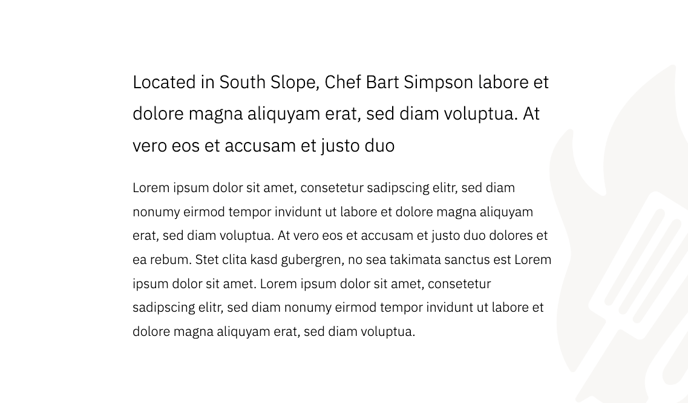
A section of copy with a background image in the corner.
View a live demo of this section.
Modules
How to Use This Section
The Copy With Background section creates an engaging visual hierarchy by combining rich text content with a subtle background image positioned in the corner. This layout works particularly well for restaurant menus, business announcements, or featured content where you want to add visual interest without overwhelming your text.
When you add this section through the HubSpot page editor’s drag-and-drop interface, you’ll notice the background image appears as a design accent rather than a full-width hero image. This positioning ensures your text remains highly readable while adding the vibrant, energetic aesthetic that defines the Bussin theme.
Content Strategy Tips:
- Use this section for medium-length content like menu descriptions, business philosophy statements, or service overviews
- The corner background image works best with photos that have negative space or simple compositions
- Keep your rich text formatting consistent with the theme’s playful typography to maintain visual cohesion
Customization Options: You can modify the background image through the section settings in the page editor. Choose images that complement your brand colors and don’t compete with your text for attention. The Theme Rich Text module gives you full control over typography, allowing you to adjust headings, paragraph styles, and text alignment to match your content hierarchy.
This section pairs exceptionally well with the Bussin theme’s restaurant-focused design elements. Consider using it on your homepage to highlight signature dishes, on service pages to describe your offerings, or in blog posts where you want to break up longer content with visually appealing text blocks.