
FAQ
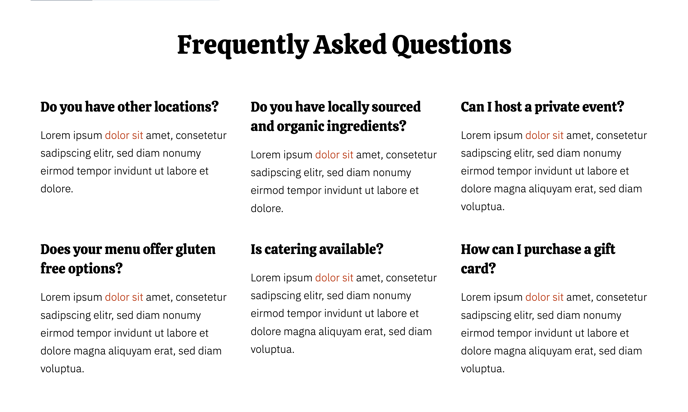
A header and two rows with six frequently asked questions.
View a live demo of this section.
Modules
How to Use This Section
The FAQ section provides a clean, organized way to display common customer questions on your restaurant or local business website. This pre-built section combines a prominent header with six strategically arranged FAQ items in a two-row layout, making it perfect for addressing recurring inquiries about your menu, hours, policies, or services.
You can add this section to any page in your HubSpot site using the page editor’s drag-and-drop functionality. Simply click the “Add section” button and select the FAQ section from your theme’s available options. The section works particularly well on service pages, contact pages, or as a standalone FAQ page to reduce customer service inquiries.
When customizing the content, you’ll work with the built-in FAQ module that powers each question-and-answer pair. You can easily modify the questions and responses directly in the page editor without any coding knowledge. The Bussin theme’s vibrant design ensures your FAQ section maintains visual interest while remaining highly readable.
Best practices for this section include keeping your questions concise and your answers informative but brief. Consider organizing your six FAQ items by priority—place your most frequently asked questions in the top row where they’ll receive the most attention. For restaurants, popular topics include reservation policies, dietary accommodations, and operating hours. Local businesses often address pricing, service areas, and booking procedures.
The section’s responsive design automatically adjusts the layout on mobile devices, stacking the FAQ items vertically for optimal readability. You can complement this section with other Bussin theme components like contact forms or location modules to create a comprehensive customer service hub on your website.