
Section Header With Image
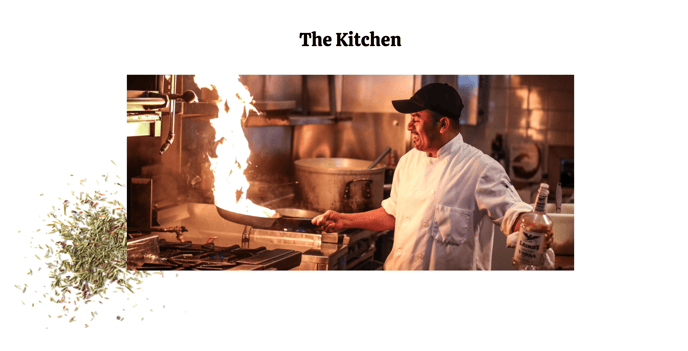
Section heading with image and an offset background.
View a live demo of this section.
Modules
Usage Guide
The Section Header With Image creates a bold visual impact at the top of your pages by combining a prominent heading with a striking background image and subtle offset styling. This section works particularly well for restaurant and local business homepages where you need to immediately capture visitors’ attention and communicate your brand personality.
When you drag this section into your page editor, you’ll notice the offset background design creates visual depth by positioning elements at slight angles or overlapping layers. This playful aesthetic aligns perfectly with the Bussin theme’s energetic style and helps your content stand out from traditional, flat header designs.
Best practices for this section:
Use high-quality, vibrant images that represent your business atmosphere - think busy restaurant interiors, food preparation shots, or happy customers. The Theme Image module supports HubSpot’s automatic image optimization, so your visuals will load quickly across all devices.
For the heading text, keep your message concise but impactful. The Theme Rich Text module gives you full formatting control, allowing you to emphasize key words with bold styling or adjust text hierarchy to match your brand voice.
This section performs exceptionally well on landing pages where you’re promoting specific menu items, events, or seasonal offerings. The visual prominence makes it ideal for pages that need immediate engagement, such as reservation pages or promotional campaigns.
Pro tip: Consider your page’s overall content flow when implementing this section. Since it creates such a strong visual statement, follow it with complementary sections that maintain the energy without overwhelming visitors. The offset background works best when you allow adequate white space in surrounding sections.