
Two Column - Image Left
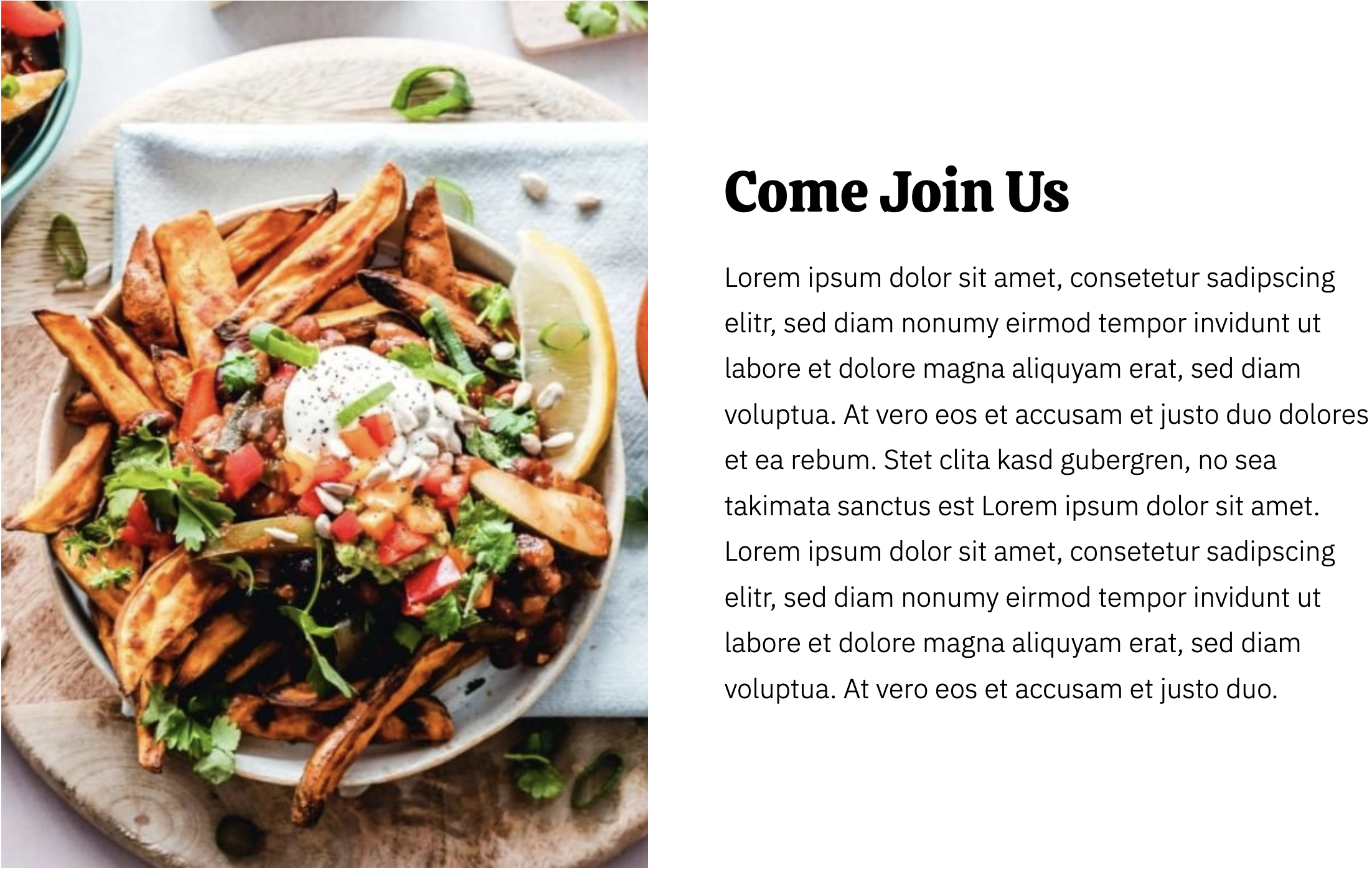
Two columns with text on the right and image on the left.
View a live demo of this section.
Modules
How to Use This Section
The Two Column - Image Left section creates an engaging visual-text combination that’s perfect for restaurant storytelling and local business showcases. This pre-built section leverages the Bussin theme’s vibrant design language to present content in a balanced, professional layout that draws visitors’ attention to both your imagery and messaging.
You can add this section to any page in your HubSpot CMS by accessing the page editor and selecting it from the available sections in the drag-and-drop interface. The section works particularly well on About Us pages, service description pages, and homepage hero areas where you want to introduce your restaurant’s story, showcase signature dishes, or highlight your team.
When to choose this layout: Select the Image Left variation when your visual content serves as the primary attention-grabber. This works exceptionally well for food photography, chef portraits, or restaurant interior shots that you want visitors to see immediately. The left-aligned image creates a natural reading flow that guides visitors from your compelling visual into your descriptive text content.
The section’s responsive design ensures your content displays beautifully across all devices. On mobile, the layout automatically stacks with the image appearing above the text, maintaining the Bussin theme’s energetic aesthetic while ensuring readability on smaller screens.
Pro tip: Use high-resolution images with strong visual contrast to complement the theme’s playful design elements. The text column provides ample space for compelling copy, so consider including calls-to-action, menu highlights, or customer testimonials that encourage visitor engagement. You can customize colors, spacing, and typography through the theme settings to match your brand perfectly.