
Two Column - Image Right
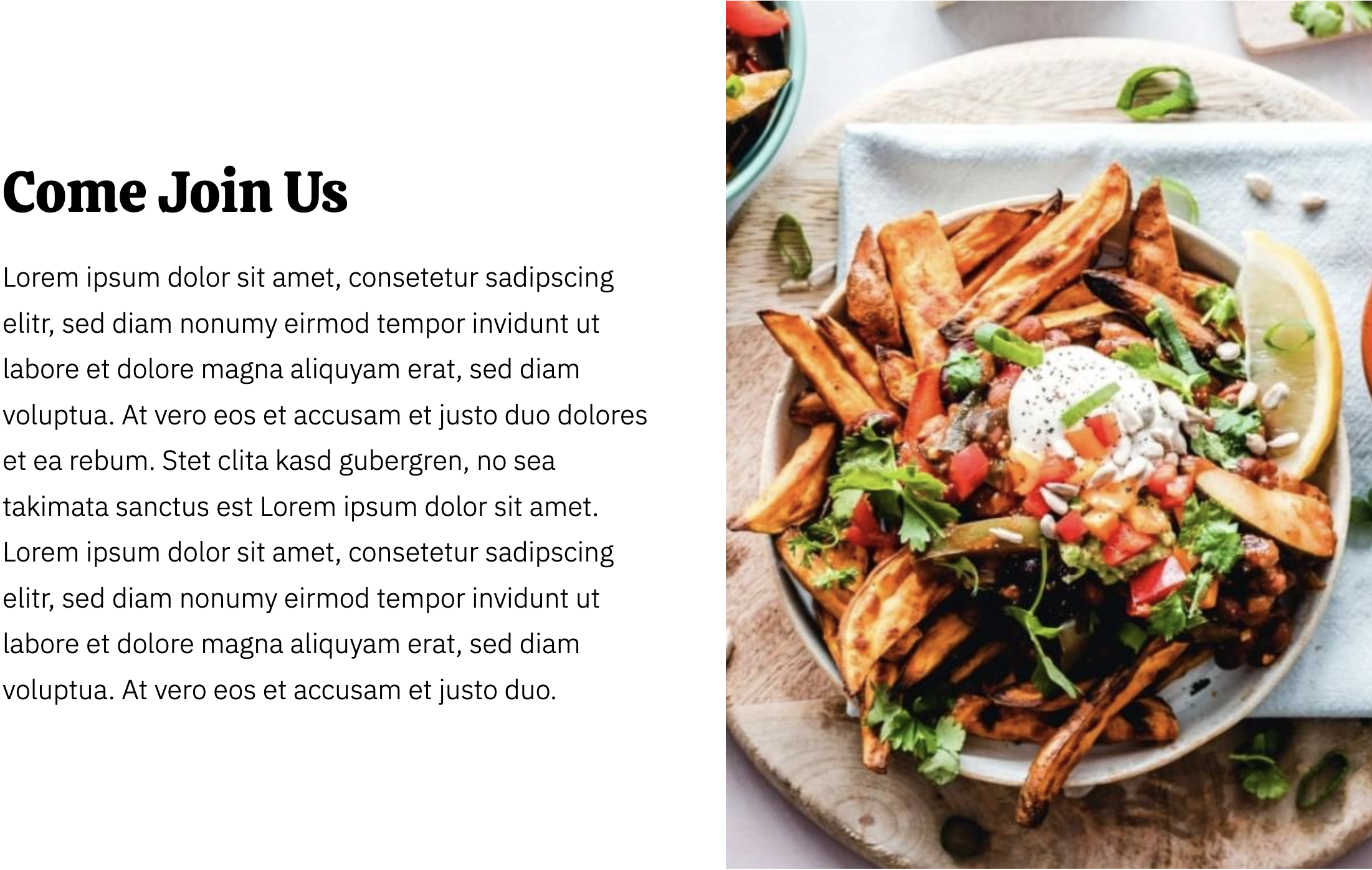
Two columns with text on the left and image on the right.
View a live demo of this section.
Modules
Usage Guide
The Two Column - Image Right section provides a balanced, scannable layout that works particularly well for restaurant storytelling and business introductions. This pre-built section combines text and visual content in a way that guides visitors’ eyes naturally from your message to your supporting imagery.
You can add this section to any page in your Bussin theme through the page editor’s drag-and-drop interface. Simply select “Add section” and choose “Two Column - Image Right” from your available sections. The section will automatically inherit your theme’s typography and color settings, ensuring consistency across your site.
This layout excels on About pages where you want to share your restaurant’s story alongside photos of your team or establishment. It’s also effective for menu highlights - describe signature dishes in the text column while showcasing appetizing food photography on the right. Service pages benefit from this section when explaining catering options or special events with accompanying venue photos.
Content strategy tip: Keep your text column focused and scannable. The Bussin theme’s playful typography works best with 2-3 short paragraphs rather than dense blocks of text. Your image should complement and reinforce your written message rather than simply decorating the space.
The section automatically adjusts to mobile viewports by stacking the columns vertically, with the image appearing below your text content. This ensures readability across all devices while maintaining the visual impact that makes the Bussin theme effective for local businesses.
Consider alternating between “Image Right” and “Image Left” sections throughout longer pages to create visual rhythm and prevent layout monotony.