
Two Column - Text Only
Simple two columns of text.
View a live demo of this section.
Modules
Usage Guide
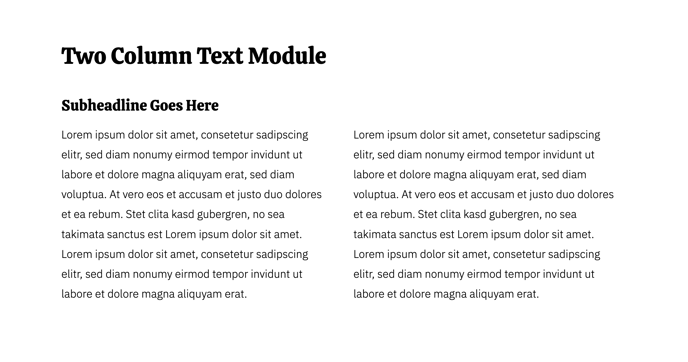
The Two Column - Text Only section provides a clean, balanced layout perfect for presenting complementary content side-by-side on your restaurant or business website. This section works exceptionally well when you need to showcase information like your story alongside your mission, menu highlights next to location details, or service descriptions paired with business hours.
You can add this section to any page through the HubSpot page editor by clicking the plus icon and selecting it from the Bussin theme sections library. Once placed, the section automatically creates two equal-width columns that stack responsively on mobile devices, ensuring your content remains readable across all screen sizes.
Each column utilizes the Theme Rich Text module, giving you full formatting control including headings, paragraphs, lists, and links while maintaining the Bussin theme’s vibrant design consistency. The rich text editor allows you to match your brand voice whether you’re writing casual, energetic copy that reflects the theme’s playful personality or more formal business information.
This section particularly shines on About pages where you can pair your restaurant’s history with chef profiles, or on service pages where you can describe offerings alongside pricing or availability. Consider using it on your homepage to balance welcome text with key differentiators, or on location pages to present directions alongside contact information.
Pro tip: Keep your column content roughly equal in length for the best visual balance. If one column is significantly shorter, consider adding a call-to-action button or relevant image through the rich text editor to fill the space effectively. The section’s simplicity makes it an excellent choice when you want your written content to be the primary focus without competing visual elements.