
Hero - Two Column
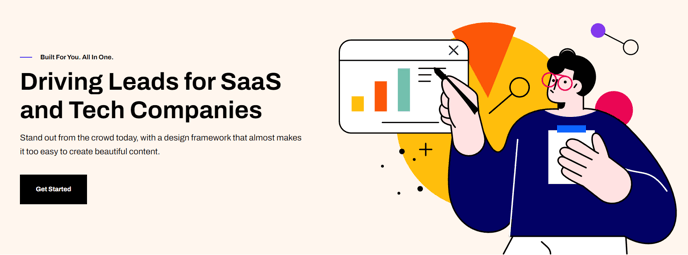
Two column hero with options to add text on one side and an image, form, or video on the other side.
Note: The section this module is added to should have its Content Alignment set to Full width.
View a live demo of this module.
Content
- Change the vertical alignment
- Change the media placement on both desktop (left or right) and mobile (top or bottom)
- On the media side include an image, form, or video
Styles
- Set Dark Mode
- Edit background and padding
- Change text alignment
- Customize list styling
- Choose load in animation for media
- If using a form, include a heading, box it in, and change button and labels placement
- If using a video, change the play button color and change overlay color
Usage Guide
The Hero - Two Column module is designed to create impactful landing page headers and section breaks throughout your HubSpot site. This module works exceptionally well on landing pages, service pages, and your homepage where you need to balance compelling copy with visual content or lead capture forms.
When adding this module, drag it from the module library into a section that spans the full width of your page. The Framework theme’s responsive grid system ensures your content displays properly across all devices when the section’s Content Alignment is set to Full width in the page editor.
For lead generation, consider placing a HubSpot form on the media side while keeping your value proposition on the text side. This creates a natural visual flow that guides visitors toward conversion. The built-in form styling options let you customize the appearance without touching code, including button colors and label positioning that match your brand.
Content strategy tip: Use this module early on your pages to establish hierarchy and guide user attention. The vertical alignment controls help you fine-tune how content sits within the section, which is particularly useful when matching the height of your text to accompanying images or videos.
The media placement options give you flexibility to test different layouts through HubSpot’s built-in A/B testing tools. You can easily switch between left and right media placement for desktop users, while the mobile controls ensure your content stack remains logical on smaller screens. The load-in animations add polish to your pages and can help draw attention to key visual elements like product demonstrations or testimonials.