
Quote [+ only]
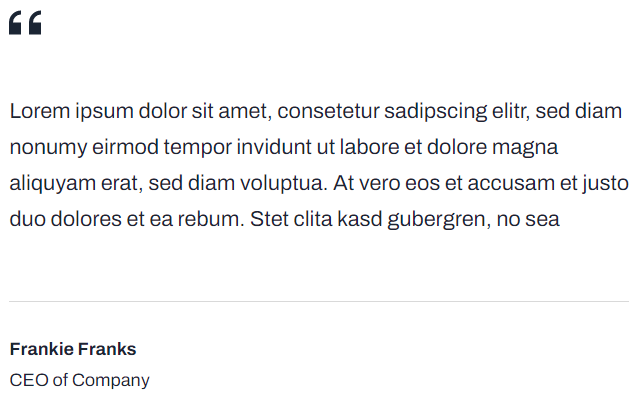
Simple styled quote.
Note: This module is only available in Framework+, a paid version of Framework.
View a live demo of this module.
Content
- Include quote, profile image, name, and title
Styles
- Set Dark Mode
- Change max width of module
- Change horizontal alignment of module (left, center, right)
- Change text alignment of quote
- Change text alignment of meta
How to Use This Module
The Quote module is designed specifically for showcasing customer testimonials, industry quotes, and thought leadership statements on your SaaS or technology company’s website. This module works exceptionally well on landing pages, case study pages, and about us sections where social proof and credibility are essential for conversion.
You can drag and drop this module onto any page through the HubSpot page editor, making it simple for content editors to add compelling testimonials without needing developer assistance. The module’s clean design ensures quotes integrate seamlessly with Framework’s minimal aesthetic while maintaining strong visual impact.
Best practices for implementation: Use this module strategically near call-to-action sections or product descriptions to reinforce your value proposition. The profile image field is particularly effective when featuring recognizable customers or industry leaders, as it adds authenticity to the testimonial. For maximum impact, keep quotes concise and focused on specific benefits your prospects care about.
The Dark Mode style option is especially useful when you need the quote to stand out against light-colored page sections or when matching your site’s overall dark theme preferences. The text alignment controls for both quote and meta information give you flexibility to create varied layouts—center alignment works well for featured testimonials, while left alignment integrates better with other text-heavy content.
Consider using multiple Quote modules in succession to create a testimonial section, varying the alignment and max width settings to create visual rhythm. The module’s responsive design ensures quotes remain readable and properly formatted across all devices, maintaining the professional appearance your B2B audience expects.