
Theme Form
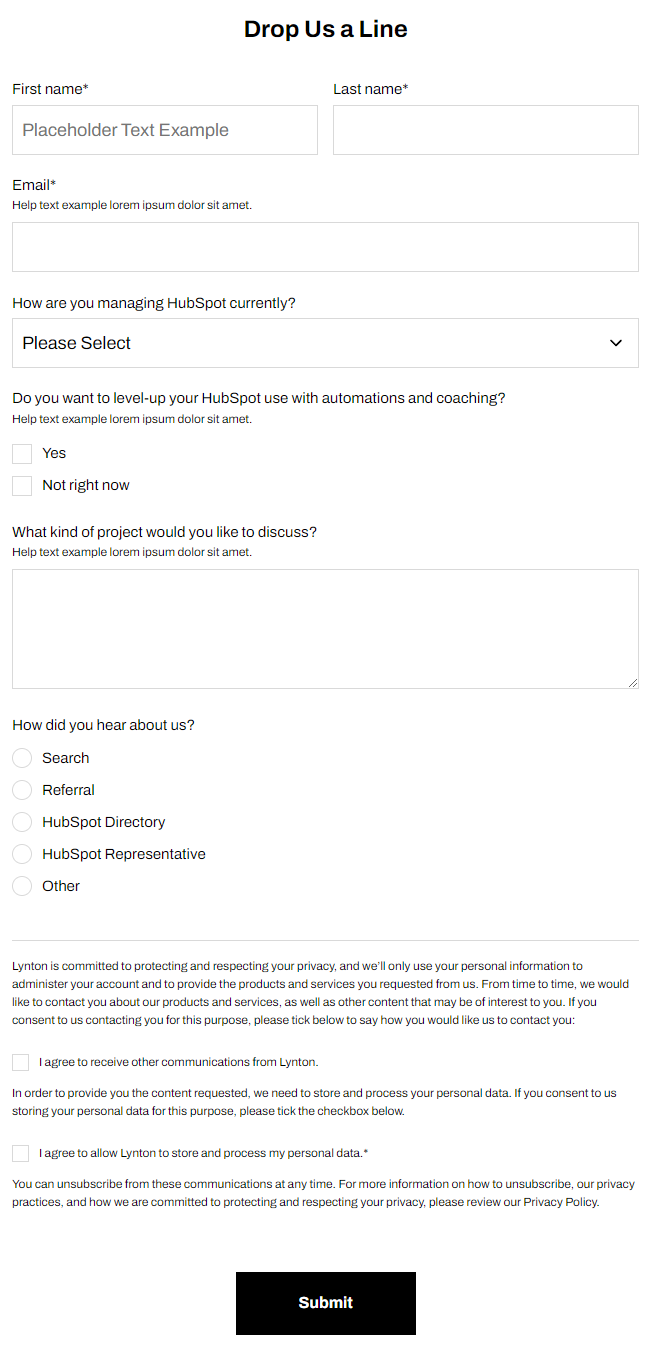
A form module with extra options unavailable in HubSpot's default module.
View a live demo of this module.
Styles
- Set Dark Mode
- Change heading alignment
- Change labels position (left, top, inset)
- Change button position (left, center, right, full width, single field) and color
- Box in the form (edit background, border, box-shadow, and padding)
How to Use This Module
The Theme Form module provides enhanced customization options beyond HubSpot’s standard form module, making it ideal for SaaS and technology companies that need forms to match their brand precisely. You can drag this module onto any page or landing page template within the Framework theme through the page editor’s module library.
This module works particularly well on contact pages, pricing pages, and product demo request pages where form presentation directly impacts conversion rates. Unlike the default HubSpot form module, you have granular control over visual elements that are typically locked in standard implementations.
When adding the module to your page, start by selecting your HubSpot form from the module settings panel. The form will inherit your site’s base styling, but you can then customize the appearance using the module’s unique style options. The inset label positioning is especially effective for modern, minimalist designs common in SaaS interfaces.
For optimal results, consider the form’s context when choosing button positioning. Full-width buttons work well on mobile-focused landing pages, while center-aligned buttons suit traditional contact forms. The single field positioning option is perfect for newsletter signups or simple lead magnets.
The box styling options allow you to create distinct form sections that stand out from your page content. This is particularly useful on busy pages where you need the form to capture attention. You can adjust the background color to match your brand palette and add subtle shadows for depth.
Remember that all styling changes are applied at the module level, so you can use multiple Theme Form modules with different appearances on the same page if needed for A/B testing or different conversion goals.