
Theme Rich Text
A rich text module with extra styling options unavailable in HubSpot's default module.
View a live demo of this module.
Content
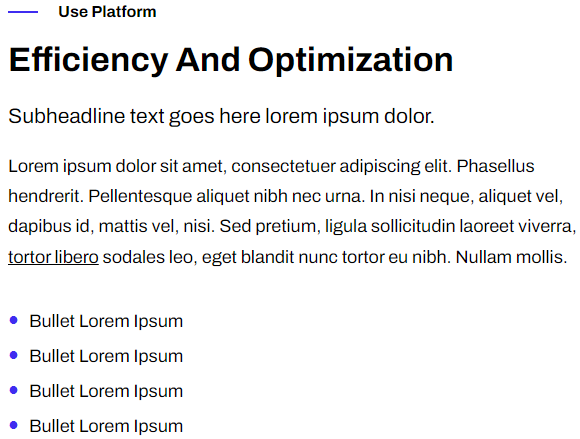
- Include eyebrow, heading, sub-heading, text, and call to action buttons
Styles
- Set a max-width
- Change text alignment
- Customize list styling
Usage Guide
The Theme Rich Text module serves as an enhanced alternative to HubSpot’s standard rich text module, designed specifically for SaaS and technology companies that need more control over content presentation. You’ll find this module particularly useful when creating feature descriptions, product explanations, or any content block that requires precise formatting beyond basic rich text capabilities.
When building pages in the HubSpot page editor, drag this module into any flexible column or section where you need formatted text content. The module works exceptionally well on landing pages, feature pages, and service descriptions where you want to maintain consistent branding while providing comprehensive information to visitors.
The eyebrow and sub-heading options help you create information hierarchy without cluttering your page with multiple modules. Use the eyebrow text for categories or labels (like “NEW FEATURE” or “PRODUCT UPDATE”), while the sub-heading provides additional context below your main heading. This structure is particularly effective for SaaS companies showcasing product capabilities or technology firms explaining complex services.
For optimal results, take advantage of the max-width setting to prevent text from stretching too wide on desktop screens, which improves readability. The custom list styling options let you create branded bullet points or numbered lists that match your company’s visual identity, something the default HubSpot module cannot achieve.
Consider using this module when you need multiple call-to-action buttons within the same content block, as it allows you to combine educational content with conversion elements seamlessly. The alignment controls help you create varied page layouts, breaking up the monotony of left-aligned text blocks that can make technology websites appear bland and corporate.