
Checkmark List
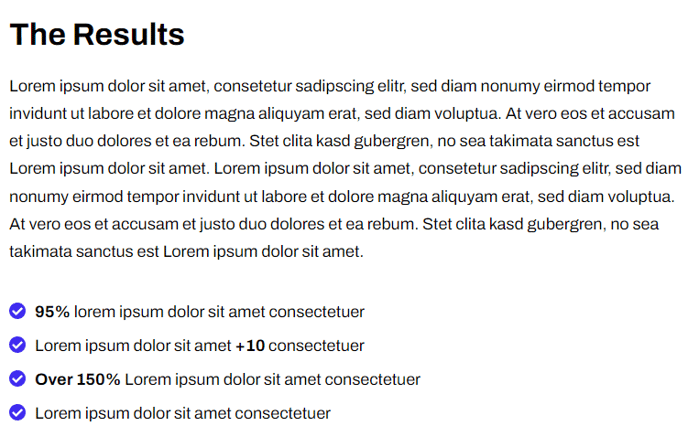
Text block with a list styled using checkmark image bullets.
View a live demo of this section.
Modules:
How to Use This Section
The Checkmark List section is designed to showcase benefits, features, or accomplishments in a visually compelling format that builds trust with your website visitors. This section works particularly well for SaaS companies highlighting product features, service benefits, or client achievements where the checkmark visual reinforces positive messaging.
You can add this section to any page through HubSpot’s drag-and-drop page editor by selecting it from the Framework theme’s section library. The section automatically inherits your theme’s typography and color settings, ensuring consistency with your overall site design.
When customizing the content, click into the Theme Rich Text module to access HubSpot’s rich text editor. The checkmark styling is automatically applied to unordered lists within this section, so you simply need to create a bulleted list using the editor’s list formatting tools. The custom checkmark icons will replace standard bullet points, giving your content a more professional and engaging appearance.
This section performs exceptionally well on service pages, product feature pages, and about pages where you need to communicate multiple benefits or qualifications quickly. The visual hierarchy created by the checkmarks helps readers scan information efficiently, which is crucial for maintaining engagement on longer pages.
Pro tip: Keep your list items concise and benefit-focused rather than feature-heavy. Phrases that start with action words or outcomes tend to work better than technical specifications. You can also combine this section with other Framework sections like testimonials or call-to-action blocks to create a compelling conversion-focused page flow.
The section’s minimal design ensures it won’t compete with other page elements while still drawing attention to your key messaging points.