
Callout Text
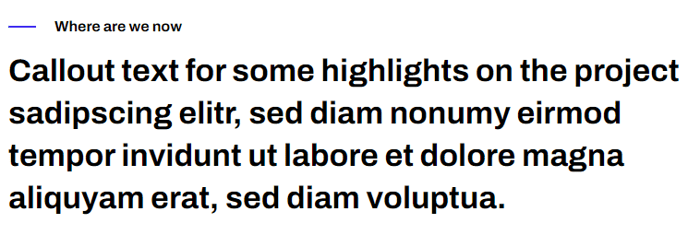
An eyebrow and heading with 20px top and bottom padding to stand out from the rest of the text.
View a live demo of this section.
Modules:
Usage Guide
The Callout Text section serves as a visual break in your content flow, drawing attention to key messages, announcements, or important information that needs to stand out from regular body text. This section works particularly well for SaaS companies highlighting product updates, feature launches, or critical information that visitors shouldn’t miss.
You can add this section to any page through HubSpot’s drag-and-drop page editor by selecting it from the Framework theme’s section library. The section’s clean design makes it versatile enough to use multiple times on longer pages without overwhelming your visitors, thanks to its minimal 20px padding that creates subtle separation.
When to use Callout Text:
- Breaking up long-form content like blog posts or resource pages
- Highlighting key statistics or achievements on your homepage
- Drawing attention to important announcements or updates
- Creating visual hierarchy on landing pages between different content blocks
The eyebrow text element is perfect for categories, dates, or context labels, while the main heading can accommodate your primary message. Since this section uses the Theme Rich Text module, you maintain full control over typography styling through your theme settings, ensuring consistency with your brand’s visual identity.
For optimal impact, keep your callout text concise and action-oriented. This section performs best when the message can be absorbed quickly as users scroll through your page. Consider placing Callout Text sections strategically before or after more complex content sections to give readers mental breathing room while reinforcing your key points.
The section’s responsive design ensures your callouts remain prominent and readable across all device sizes, making it a reliable choice for mobile-first content strategies.