
Registration Banner [+ only]
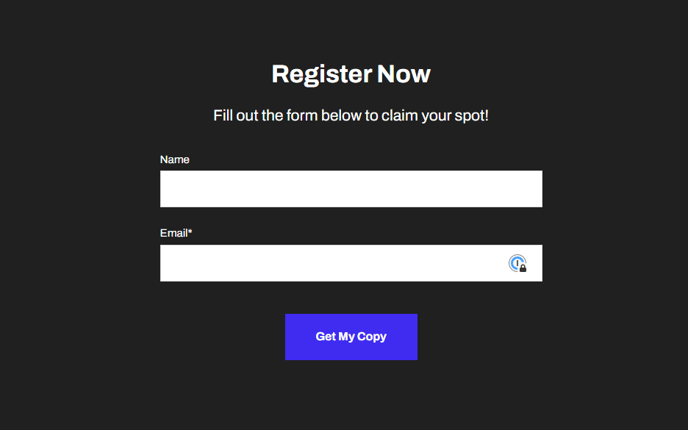
Form on a dark background with an ID to anchor link to.
Note: This section is only available in Framework+, a paid version of Framework.
View a live demo of this section.
Modules
Usage Guide
The Registration Banner section provides a conversion-focused layout designed to capture leads through a prominently displayed form against a dark background. This section works particularly well for SaaS and technology companies looking to drive event registrations, demo requests, or newsletter signups.
You can add this section to any page through HubSpot’s page editor by selecting it from the Framework+ sections library. The dark background automatically creates visual contrast that draws attention to your form, making it ideal for placement above the fold on landing pages or as a call-to-action section on service pages.
When customizing this section, you’ll find the Theme Form module offers extensive flexibility through HubSpot’s form builder. You can modify field types, adjust validation rules, and connect the form to your marketing automation workflows. The section’s built-in anchor ID functionality allows you to create direct links to the registration area from navigation menus, email campaigns, or other page sections.
Best practices for this section include keeping your form fields minimal to reduce friction, using compelling headline copy that clearly states the value proposition, and ensuring your form’s success message aligns with your conversion goals. The dark background works well with light-colored text and accent colors defined in your theme settings.
This section performs exceptionally well on dedicated landing pages, event pages, and at the bottom of blog posts where you want to convert readers into leads. Consider A/B testing different form configurations and headline variations to optimize your conversion rates while maintaining the clean, professional aesthetic that Framework is known for.