
Simple Text With Image
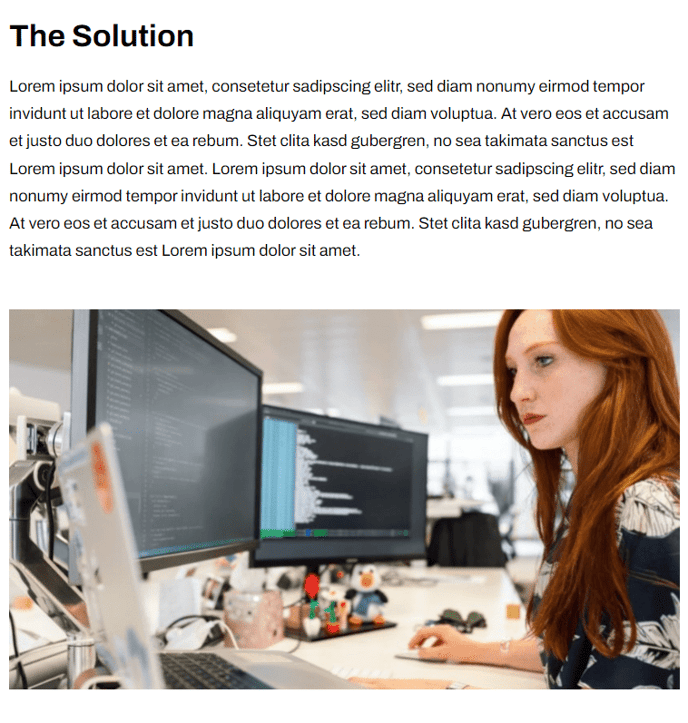
Simple text block followed by an image.
View a live demo of this section.
Modules:
How to Use This Section
The Simple Text With Image section provides a clean, minimal layout that pairs written content with supporting visuals in a structured format. This section displays your text content first, followed by an image below it, making it ideal for product announcements, feature explanations, or educational content where you want readers to focus on the text before viewing the accompanying visual.
You can add this section to any page in your HubSpot CMS by accessing the page editor and selecting it from the Framework theme’s section library. The drag-and-drop interface allows you to position this section anywhere on your page, making it particularly effective as a content block within longer landing pages or as a standalone element on product pages.
When configuring the Theme Rich Text module, take advantage of HubSpot’s rich text editor to format your content with headings, bullet points, and links. The Framework theme’s typography styling will automatically apply consistent formatting that matches your site’s design. Consider keeping your text concise since the image below will provide visual context.
For the Theme Image module, you can upload images directly through HubSpot’s file manager or select from your existing assets. The Framework theme automatically handles responsive sizing, ensuring your images look crisp on both desktop and mobile devices. Add descriptive alt text to improve accessibility and SEO performance.
This section works particularly well for SaaS companies explaining software features, technology firms showcasing product capabilities, or any business that needs to present information in a digestible, visual format. Choose this section over more complex layouts when you want to maintain focus and avoid visual clutter, especially on pages where clear communication is more important than elaborate design elements.