
Testimonials Slider
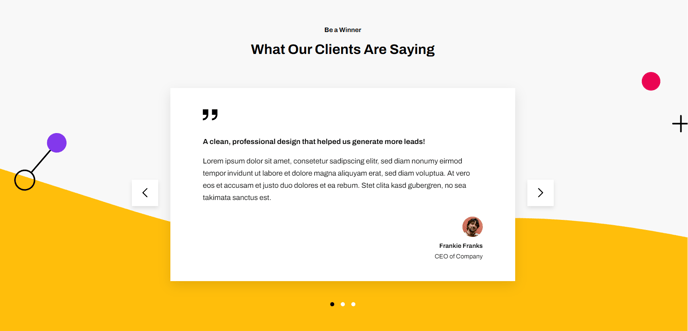
A testimonial slider with a background image.
View a live demo of this section.
Modules:
About This Section
The Testimonials Slider section creates a compelling visual presentation of customer feedback by combining rotating testimonials with an eye-catching background image. This section works particularly well for SaaS and technology companies looking to build trust and credibility on their homepage, landing pages, or dedicated customer success pages.
When you add this section to your page through HubSpot’s drag-and-drop page editor, you’ll get a full-width layout that automatically cycles through multiple customer testimonials. The background image capability allows you to reinforce your brand aesthetic or showcase your product in action while testimonials display in the foreground.
Best practices for using this section:
Position the testimonials slider prominently on your homepage, typically after your hero section or key value propositions. The visual impact makes it ideal for converting visitors who are still evaluating your solution. You can also use it effectively on pricing pages to address potential objections or on product pages to highlight specific feature benefits.
The section maintains the Framework theme’s clean, minimal aesthetic while ensuring testimonials remain readable across all device sizes. Since testimonials auto-rotate, include 3-5 strong quotes to maintain visitor engagement without overwhelming the experience.
For optimal results, choose a background image that doesn’t compete with your testimonial text for attention. Subtle overlays or images with negative space work best. You can upload custom background images through the module settings, and the Framework theme will automatically optimize them for web performance.
This section integrates seamlessly with HubSpot’s global content settings, so you can easily A/B test different testimonial combinations or background images to maximize conversion rates.