
Two Column Image Right
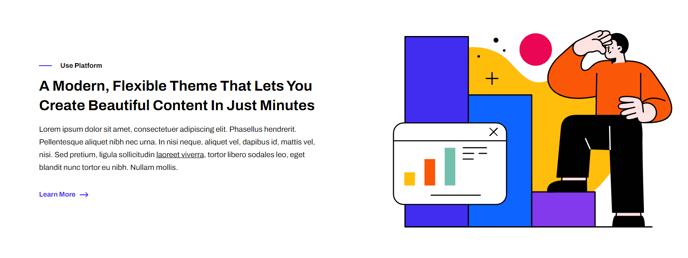
Two columns with text on the left and image on the right.
View a live demo of this section.
Modules:
Usage Guide
The Two Column Image Right section is ideal for creating balanced content layouts where you want to highlight a product feature, service benefit, or company story alongside compelling visual content. This section works particularly well for SaaS companies showcasing software interfaces, technology demonstrations, or team photos.
When you add this section to your HubSpot page through the page editor’s drag-and-drop interface, you’ll get a responsive layout that automatically stacks on mobile devices for optimal viewing. The text column provides ample space for headlines, body copy, and call-to-action buttons, while the right-aligned image creates visual interest without overwhelming your message.
Choose this section when you want to:
- Feature product screenshots or interface mockups alongside descriptive text
- Create about us pages with team photos or office imagery
- Highlight case studies with supporting graphics or charts
- Build landing pages that need visual proof points
The Framework theme’s clean markup ensures this section loads quickly and maintains consistent spacing with your other page elements. You can customize colors, fonts, and spacing through the theme settings panel to match your brand guidelines.
Pro tip: For the best visual results, use images with a 16:9 or 4:3 aspect ratio. The image will automatically resize to maintain the column balance, but starting with properly proportioned images ensures crisp display across all devices.
This section pairs well with other Framework sections like the Hero Banner or Three Column Features to create comprehensive landing pages that convert visitors into leads.