
Two Columns Text
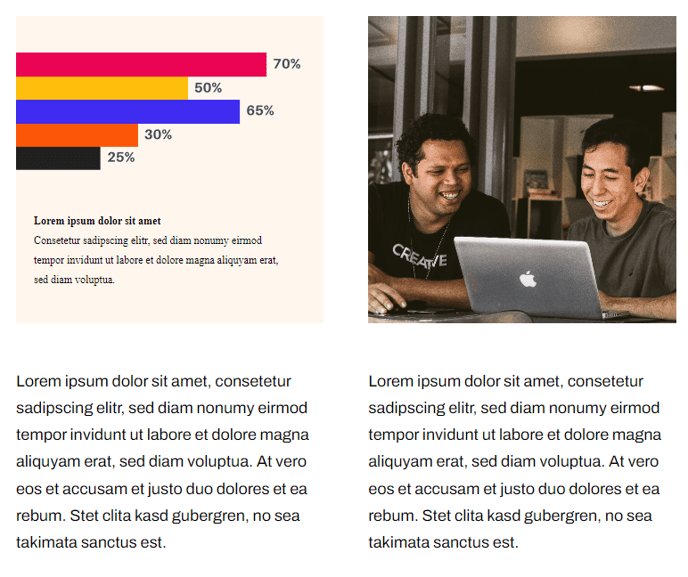
Two columns with text topped by an image.
View a live demo of this section.
Modules:
How to Use This Section
The Two Columns Text section creates a balanced content layout perfect for presenting detailed information alongside supporting visuals. This section works particularly well for feature explanations, product comparisons, or breaking down complex concepts into digestible chunks on your HubSpot pages.
When you add this section through the page editor’s drag-and-drop interface, you’ll get a clean two-column structure with the Theme Image module positioned above both text columns. This top-aligned image serves as a visual anchor that draws readers into your content, making it ideal for hero sections on service pages or feature highlights on product pages.
The dual Theme Rich Text modules give you complete flexibility in content creation. You can use one column for headlines and key points while dedicating the other to detailed explanations, or create side-by-side comparisons of features, benefits, or processes. Since each column uses the rich text editor, you can format text with headers, bullet points, links, and even embed additional HubSpot content.
Best practices for this section: Keep your image relevant to both columns of text to maintain visual cohesion. Consider using the left column for primary messaging and the right for supporting details or calls-to-action. The Framework theme’s responsive design automatically stacks these columns on mobile devices, so structure your content to read logically when vertical.
This section excels on landing pages where you need to explain complex SaaS features or technology solutions without overwhelming visitors. The generous white space and clean typography inherent in the Framework theme ensure your content remains scannable even with substantial text blocks in both columns.