
Collapsible Text
List of collapsible items for condensing content.
View a live demo of this module.
Content
- Include a heading
- Add as many collapsible items as you want
- Add FAQ schema
Styles
- Edit background color and padding
- Set to Dark Mode
- Customize list styling
- Change heading alignment
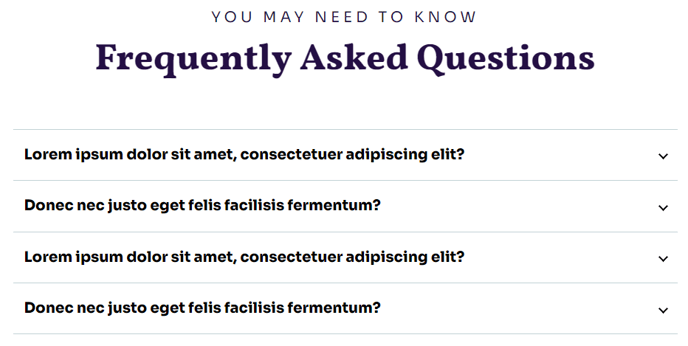
Usage Guide
The Collapsible Text module is designed to help your nonprofit or educational organization present detailed information in a clean, scannable format. This module works particularly well on FAQ pages, program description pages, and donation information sections where you need to provide comprehensive details without overwhelming visitors.
When you add this module to any page through HubSpot’s drag-and-drop page editor, you’ll create an accordion-style interface that allows visitors to expand only the sections they’re interested in. This approach significantly improves page load perception and helps users navigate complex content more efficiently.
Best practices for implementation: Consider using this module on your main FAQ page to address common donor questions, volunteer inquiries, or program details. The Impact theme’s bold typography ensures your collapsible headers remain highly readable, making it easy for visitors to quickly scan and find relevant information.
The FAQ schema option is particularly valuable for nonprofits seeking better search engine visibility. When enabled, this structured data helps Google understand your content as frequently asked questions, potentially displaying your answers directly in search results and improving your organization’s online discoverability.
For optimal user experience, keep your collapsible item titles concise but descriptive—aim for 5-8 words that clearly indicate the content inside. The module’s Dark Mode setting integrates seamlessly with Impact’s design system, allowing you to maintain visual consistency across different page sections.
This module pairs exceptionally well with Impact’s other content modules on landing pages, particularly when placed below hero sections or above contact forms where visitors typically seek additional information before taking action.