
Feature Items
A set of featured items such as benefits, services, etc. Each item can include an icon, text, and CTA.
View a live demo of this module.
Content
- Include a heading
- Change how many items to show per row
- Change heading placement (left, top, right)
- Change icon placement (top, right, left, in item heading)
- Use a FontAwesome icon or upload a custom image
Styles
- Set Dark Mode
- Change heading alignment
- Change item text alignment
- Change max height of icons
- Change icon color (only applicable to FontAwesome icons)
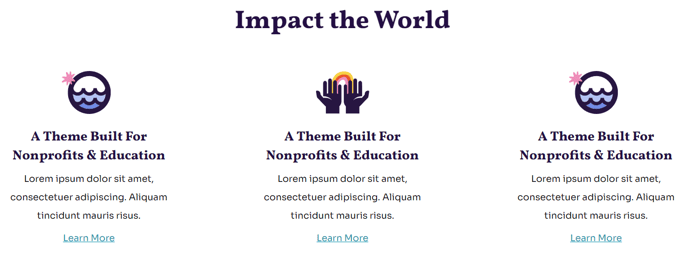
How to Use This Module
The Feature Items module is designed to showcase your organization’s key offerings in a scannable, visually appealing format. This module works exceptionally well for nonprofits highlighting their programs or services, and educational organizations presenting course benefits or campus features.
When building your pages, drag this module from the HubSpot page editor’s module library into any flexible column or section. The module automatically adapts to your container width, making it perfect for both full-width sections and sidebar placements on your Impact theme pages.
For optimal visual impact, consider your icon strategy carefully. FontAwesome icons provide consistency and quick loading, while custom uploaded images give you complete creative control. When using custom icons, maintain consistent dimensions and style across all items to preserve the professional appearance that makes the Impact theme effective for institutional websites.
Strategic placement recommendations: This module performs best on homepage sections below your hero area, dedicated service or program pages, and landing pages where you need to break down complex offerings into digestible pieces. The flexible heading placement options let you create visual hierarchy that guides visitors through your content naturally.
Content organization tip: When configuring items per row, remember that fewer items per row (2-3) create more prominent features suitable for primary services, while 4+ items work well for secondary benefits or feature lists. The Impact theme’s responsive design ensures your feature grid looks polished across all device sizes.
Test different icon placements and text alignments in the HubSpot page editor’s preview mode to find the combination that best supports your content goals and matches your organization’s communication style.