
Related Blogs - Vertical
Dynamically generated posts related to the current page's content in a vertical format.
View a live demo of this module.
Content
- Include a heading
- Show/Hide thumbnail, tag, date, and/or summary
- Choose how many posts to show
- By default, it will pull resources from the portal’s default blog, but you can choose any blog in your portal to pull from
- Choose to show most recent posts, post with certain tags, and/or posts within a certain date range
- Choose where you want the summary to be pulled from and the max character length of the summary
Styles
- Set Dark Mode
- Change heading alignment
- Edit background, border, and box-shadow of resource items
- Choose aspect ratio and hover animation for images
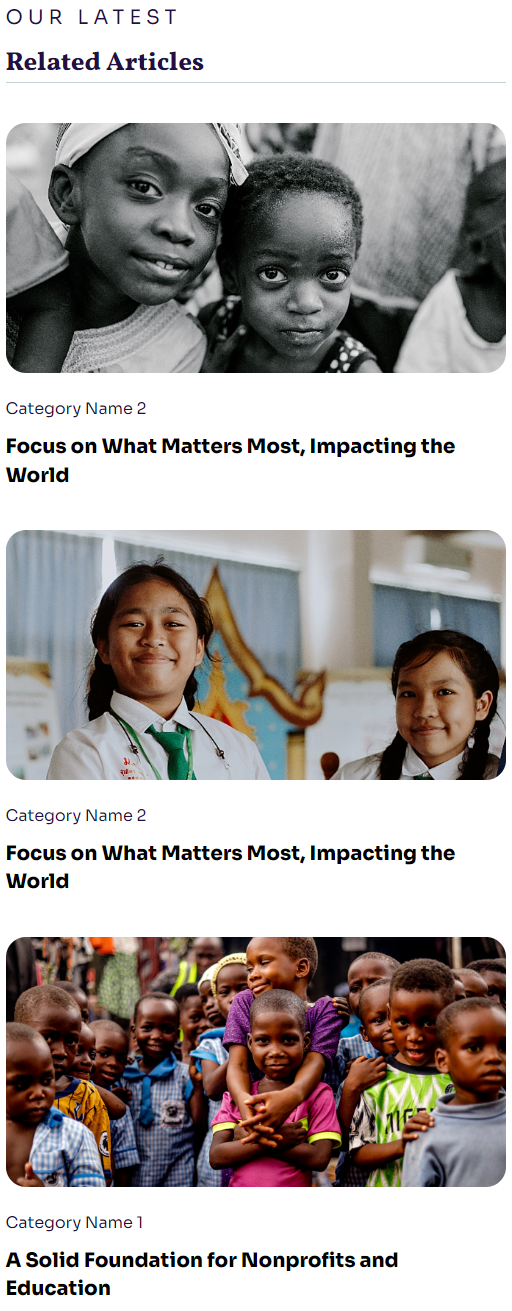
About This Module
The Related Blogs - Vertical module serves as a powerful content discovery tool that helps visitors find relevant articles while keeping them engaged on your nonprofit or educational website. This dynamic module automatically analyzes your current page’s content and suggests blog posts that share similar topics, tags, or themes, creating natural pathways for deeper exploration of your organization’s mission and resources.
When designing your page layout, consider placing this module in the sidebar of blog posts, at the bottom of landing pages, or within resource centers where visitors are already consuming educational content. The vertical format makes it particularly effective in narrow column layouts and complements the Impact theme’s bold typography without overwhelming your primary content.
For optimal performance, take advantage of the module’s intelligent filtering options through the HubSpot page editor. If you’re promoting a specific campaign or initiative, use the tag filtering feature to surface only posts related to that topic. Educational organizations can leverage the date range settings to highlight recent research or timely announcements, while nonprofits might focus on posts within specific program areas.
Content strategy tip: The summary customization options allow you to control exactly how much context visitors see before clicking through. For engagement-focused pages, shorter summaries (100-150 characters) create curiosity and encourage clicks, while resource-heavy pages benefit from longer summaries (200-300 characters) that help visitors quickly assess relevance.
The dark mode styling option ensures this module integrates seamlessly with Impact’s visual hierarchy, particularly when used on pages with darker hero sections or when following your organization’s brand guidelines for accessibility and visual contrast.