
Counter
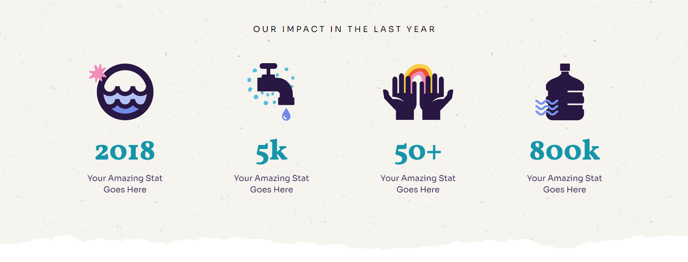
Animated stats with icons, an eyebrow header, and a background image.
View a live demo of this module.
Modules
Usage Guide
The Counter section is designed to showcase your organization’s key achievements and impact statistics in a visually compelling way. This section works particularly well for nonprofits highlighting beneficiaries served, funds raised, or programs completed, and for educational institutions displaying student enrollment, graduation rates, or years of service.
You can add this section to any page in your Impact theme through HubSpot’s drag-and-drop page editor. Simply navigate to the Sections tab in the sidebar and locate the Counter section to drop it onto your page. The animated counters automatically trigger when visitors scroll to the section, creating an engaging reveal effect that draws attention to your most important numbers.
When customizing the Counter section, you’ll have access to several key options through the HubSpot page editor. The eyebrow header above the main content allows you to add context like “Our Impact” or “By the Numbers,” while the background image feature lets you overlay your statistics on a relevant photo that reinforces your organization’s mission. Each counter can be paired with custom icons to make the data more intuitive and memorable.
This section performs best when positioned strategically on your homepage, about page, or dedicated impact pages where you want to establish credibility and showcase results. Consider using round numbers like “500+” or “10,000” rather than exact figures, as they’re easier to read during the animation and have greater visual impact.
For optimal mobile performance, the Impact theme automatically stacks the counter elements vertically on smaller screens, ensuring your statistics remain readable and impactful across all devices. The bold typography characteristic of the Impact theme ensures your numbers stand out prominently against the background image.