
Counter - No Icons
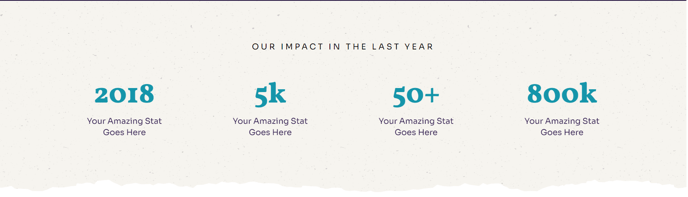
Animated stats and an eyebrow header with a background image.
View a live demo of this section.
Modules
Overview
The Counter - No Icons section provides a clean, text-focused alternative to the standard counter section in the Impact theme. This section combines animated statistics with an eyebrow header against a customizable background image, creating an impactful visual presentation without the distraction of icons.
When to Use This Section
This section works particularly well for nonprofit organizations and educational institutions that need to showcase key metrics, achievements, or impact data. Choose this version over the icon-based counter when your statistics are self-explanatory or when you want to maintain a minimalist aesthetic that lets your numbers speak for themselves.
The section is ideal for about pages, impact reports, and homepage hero areas where you want to immediately communicate your organization’s reach or success metrics. The animated counters draw visitor attention while the background image provides visual context for your data.
Customization Options
When you add this section to your page through the HubSpot page editor, you can customize the background image to align with your organization’s mission or the specific metrics you’re displaying. The eyebrow header above your counters can be used to provide context, such as “Our Impact in 2024” or “By the Numbers.”
Pro tip: Use high-contrast colors between your text and background image to ensure your statistics remain highly readable. The Impact theme’s bold typography works best when your counter text stands out clearly against the background.
The drag-and-drop interface makes it easy to position this section strategically on your page, and you can adjust the counter values, labels, and animation timing directly through the module settings without touching any code.