
Featured Items
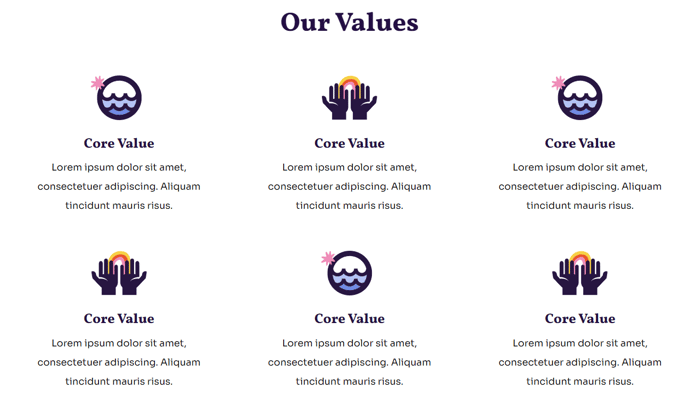
A set of six featured items.
View a live demo of this section.
Modules
How to Use This Section
The Featured Items section is designed to showcase six key highlights in a clean, organized grid layout that’s perfect for nonprofits and educational organizations. You can use this section to highlight services, programs, success stories, team members, or any other important content that deserves prominent placement on your Impact theme pages.
When you add this section to any page through the HubSpot page editor, you’ll have complete control over each of the six featured items through the integrated Feature Items module. Each item can include its own image, headline, description text, and call-to-action button, making this section incredibly versatile for different content types.
Best practices for the Featured Items section:
This section works exceptionally well on your homepage to showcase core services or mission areas. For educational institutions, consider using it to highlight academic programs, campus facilities, or student achievements. Nonprofits can effectively showcase impact areas, volunteer opportunities, or recent success stories.
The six-item layout provides visual balance while avoiding information overload. If you have fewer than six items to feature, you can leave some slots empty or consider using a different section like the Three Column Features for better proportional spacing.
Customization tips:
Access the theme settings in your HubSpot account to adjust the overall styling and spacing of this section. The Impact theme’s bold typography design will automatically style your headlines for maximum visual impact. For optimal mobile responsiveness, keep your item titles concise and ensure images are high-quality and consistently sized.
When editing content, use the drag-and-drop functionality in the page editor to easily reorder items or duplicate this section across multiple pages in your site.