
Featured Items - Left Header
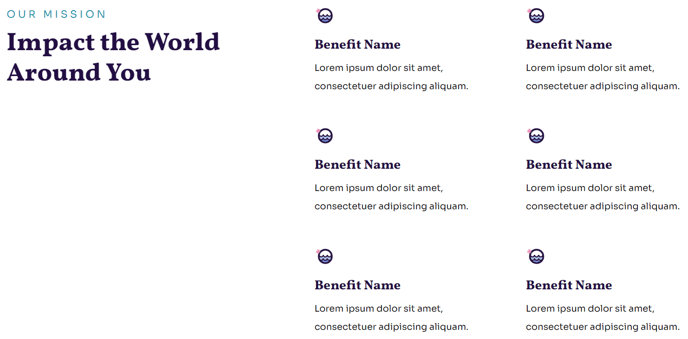
A set of six featured items with a header to the left.
View a live demo of this section.
Modules
Usage Guide
The Featured Items - Left Header section is ideal for showcasing key programs, services, or impact stories on your nonprofit or educational organization’s website. This section creates a compelling visual hierarchy with the header content positioned to the left while six featured items display in a clean grid layout to the right.
You can add this section to any page in your Impact theme by accessing the page editor and selecting it from the pre-built sections library. The drag-and-drop interface makes it simple to position this section exactly where you need it on your page.
When to use this section: This layout works particularly well on program overview pages, services pages, or your homepage when you want to highlight multiple offerings while maintaining focus on a primary message. The left-aligned header space gives you room for compelling copy that introduces the featured items, while the grid layout ensures each item receives equal visual weight.
Content strategy tips: Use the header area to provide context for your featured items with a strong headline and supporting description. Each of the six featured items should follow a consistent format – consider using similar image dimensions and keeping your titles roughly the same length for the cleanest visual presentation.
The section integrates seamlessly with HubSpot’s content management system, allowing you to easily update featured items through the page editor without touching any code. You can customize colors, fonts, and spacing through the Impact theme’s global settings to match your brand guidelines.
For maximum impact, populate this section with your most important content – whether that’s highlighting donor impact stories, showcasing educational programs, or featuring key team members.