
Form Callout
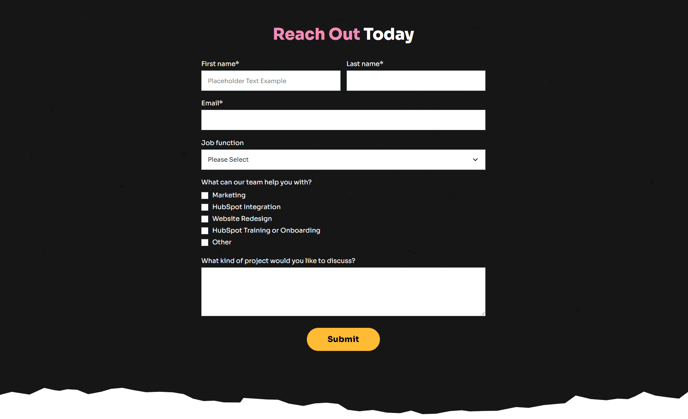
Large section with a background to call out a form.
View a live demo of this section.
Modules
Usage Guide
The Form Callout section is designed to maximize form conversions by creating a visually prominent focal point on your page. This section combines a full-width background with strategic whitespace to draw visitor attention directly to your form, making it ideal for donation pages, volunteer signup forms, and newsletter subscriptions that are critical to your nonprofit or educational organization’s mission.
When to use this section: Choose the Form Callout over standard form modules when you need to emphasize form completion as the primary page goal. This works particularly well on dedicated landing pages, at the bottom of blog posts to capture engaged readers, or as a mid-page break on longer content pages where you want to re-engage visitors.
Visual customization: You can modify the background through the page editor’s section settings to use solid colors that match your brand, gradient overlays, or compelling imagery that supports your cause. The Impact theme’s bold typography styling automatically applies to any headline text you add above the form, ensuring consistency with your overall site design.
Form integration: The Theme Form module within this section inherits your global form styling from the theme settings, but you can override specific elements like button colors or field layouts directly in the page editor. Consider keeping form fields minimal in this prominent placement—typically just essential information like name and email for newsletter signups, or name, email, and amount for donation forms.
Performance tip: Since this section often appears above the fold or in high-visibility areas, test different background colors and form headlines using HubSpot’s built-in A/B testing tools to optimize conversion rates for your specific audience and campaign goals.