
Team Member Info
Image, name, title, socials, and bio of a team member.
View a live demo of this section.
Modules
How to Use This Section
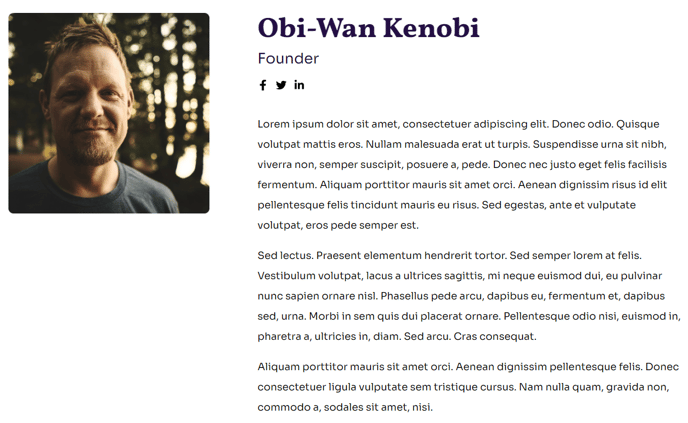
The Team Member Info section creates a polished, professional profile layout that’s perfect for About Us pages, leadership pages, and staff directories in your Impact theme. This section is specifically designed to showcase individual team members with a clean, structured format that builds trust and personal connection with your nonprofit or educational organization’s audience.
When you add this section through the page editor’s drag-and-drop interface, you’ll get a pre-designed layout that combines visual and textual elements seamlessly. The Theme Image module allows you to upload a high-quality headshot or professional photo that automatically formats to the section’s styling. For best results, use square images at least 400x400 pixels to ensure crisp display across all devices.
The Theme Rich Text module handles both the team member’s name and title, as well as their biographical information. You can format the bio content with HubSpot’s rich text editor, including bold text, italics, and line breaks to create engaging, readable profiles. Consider keeping bios between 50-150 words to maintain visual balance within the section.
The integrated Social Follow module connects directly to your team member’s professional social media profiles. You can configure LinkedIn, Twitter, or other relevant platforms through the module settings, making it easy for visitors to connect with your staff members professionally.
This section works particularly well when duplicated multiple times on a single page to create a comprehensive team directory, or used individually on dedicated staff bio pages. The Impact theme’s bold typography ensures that names and titles stand out prominently, while the full-width design maintains visual consistency with other theme sections on your site.