
Two Column - Image Left
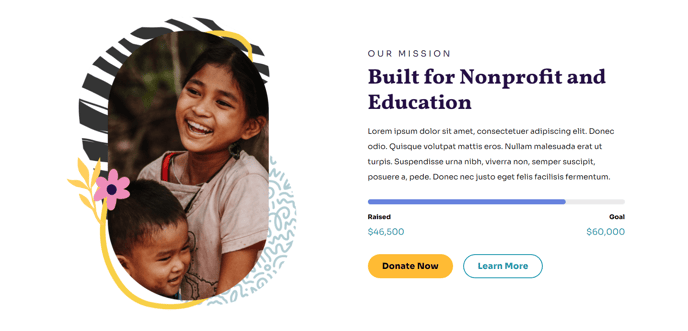
Simple two columns with text on the right and image on the left.
View a live demo of this section.
Modules
When to Use This Section
The Two Column - Image Left section creates a balanced layout that draws immediate attention to your visual content while maintaining strong readability for your accompanying text. This section works exceptionally well for nonprofit impact stories, educational program highlights, and organizational introductions where you need to establish credibility through compelling imagery.
When adding this section through HubSpot’s page editor, you’ll find it particularly effective on your homepage, about pages, and program detail pages. The left-aligned image naturally guides visitors’ eyes from your visual content to your key messaging, making it ideal for storytelling and donor engagement scenarios.
Customization Options
You can easily modify the image dimensions and text formatting using the drag-and-drop editor. The Text and Image Columns module allows you to adjust vertical alignment, ensuring your content remains visually balanced whether you’re featuring a single paragraph or multiple sections of text. Consider uploading high-resolution images that showcase your organization’s work, as the Impact theme’s full-width design philosophy means your visuals will have significant screen presence.
Content Strategy Tips
This section performs best when your image complements rather than duplicates your text content. For nonprofit organizations, pair impact photos with statistics or testimonials. Educational institutions can effectively combine campus imagery with program descriptions or student success stories.
The bold typography characteristic of the Impact theme ensures your text remains highly readable even when positioned alongside striking visuals. Take advantage of this by using clear, action-oriented headlines that align with your organization’s mission and encourage further engagement from your visitors.