
Two Column - Image Right
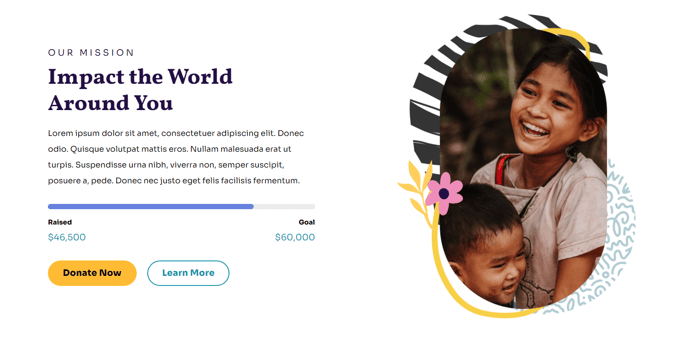
Simple two columns with text on the left and image on the right.
View a live demo of this section.
Modules
Usage Guide
The Two Column - Image Right section creates a balanced visual hierarchy that draws attention to your content while maintaining professional credibility through supporting imagery. This layout works exceptionally well for nonprofit impact stories, educational program highlights, and organizational introductions where you want the text to lead the narrative.
When designing your pages, choose this section over the standard Two Column layout when you have compelling visuals that support but don’t overshadow your message. The right-aligned image creates a natural reading flow for left-to-right languages, making it ideal for about pages, program descriptions, and donor impact statements.
In the HubSpot page editor, you can easily customize this section by clicking on the Text and Image Columns module. The Impact theme’s drag-and-drop interface allows you to swap content without losing the carefully designed spacing and typography hierarchy. Adjust your image sizing through the module settings to ensure proper visual balance—larger images work well for hero-style sections, while smaller images complement detailed text blocks.
This section pairs particularly well with the Impact theme’s bold typography system. Your headlines will automatically inherit the theme’s nonprofit-focused styling, creating consistency across your site. For optimal mobile responsiveness, the image will stack below the text on smaller screens, maintaining readability while preserving visual impact.
Consider using this section for donation pages where you want to feature beneficiary photos alongside compelling copy, or on program pages where supporting images help visitors understand your mission without competing with your call-to-action text.