
Blog Post
A blog post including call to action, author information, social sharing, and related resources.
Note: Read this HubSpot knowledge base article for a guide on applying a template to your blog posts.
Default Modules in Blog Post Hero Global Content:
Default Modules in Blog Post Sidebar Global Content:
Note**:** Updating Global Content will make the changes across all blog posts.
Default Modules:
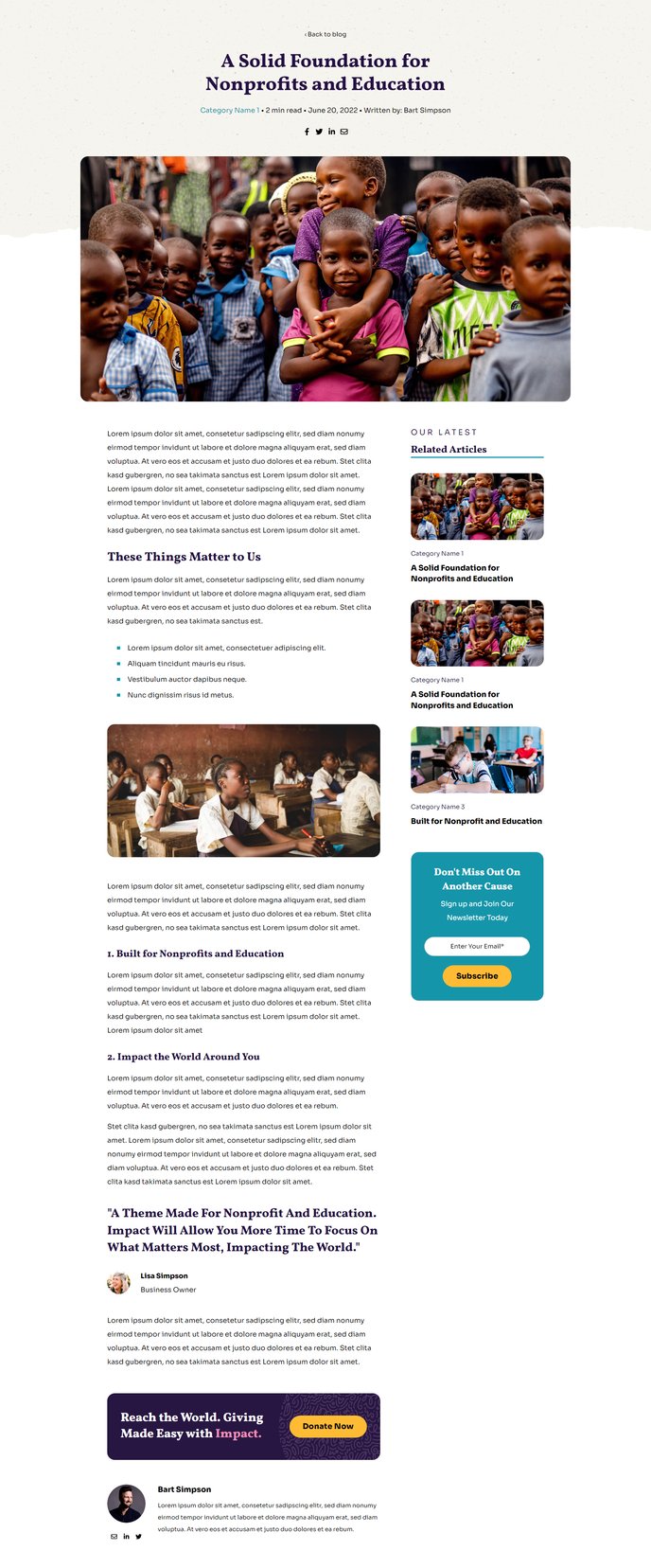
How to Use This Template
The Impact theme’s Blog Post template is specifically designed to maximize engagement and conversions for nonprofit and educational organizations. This template automatically applies a consistent, professional layout to all your blog content while maintaining the theme’s signature bold typography and full-width design elements.
When you publish a new blog post in HubSpot, this template structures your content with a compelling hero section that includes the Progress Bar module, allowing readers to track their reading progress through longer articles. The Hero - Blog Post module creates an impactful introduction with large-scale typography that aligns with Impact’s visual identity.
Key benefits of this template:
The sidebar’s Related Blogs - Vertical module automatically suggests relevant content to keep readers engaged with your site longer, while the Theme Form module provides strategic lead capture opportunities within your blog layout. These elements work together to support your organization’s content marketing goals without requiring manual setup for each post.
To customize this template, navigate to Design Tools > Design Manager in your HubSpot account, then select the Impact theme. You can modify the Global Content areas to change elements that appear across all blog posts simultaneously, or edit individual modules through the page editor when creating specific posts.
The Call to Action Box and Blog Post Author modules are particularly valuable for nonprofits and educational institutions, as they help build trust through author credibility and drive conversions through strategically placed CTAs. You can customize these modules’ styling and content through the theme settings panel to match your organization’s branding and campaign objectives.
For optimal results, ensure your blog post featured images are high-resolution and align with the theme’s full-width design approach.